In short
- Record permission and opt-outs for each channel.
- Assign each trigger an owner and a stopping condition.
- Recheck replies and bookings before sending.
- Review exceptions and reconcile uncertain delivery.
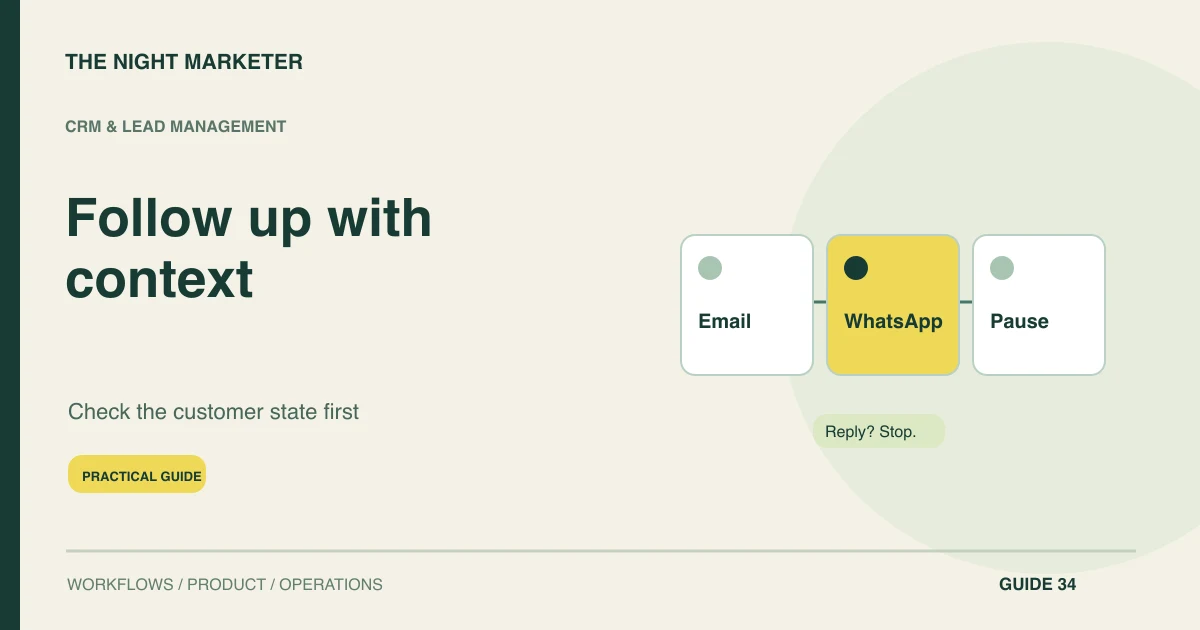
Automate CRM follow-ups around customer state, channel permission and a clear next action. AI can help draft relevant text, while workflow rules decide whether a message is eligible to send. The process should stop or change when someone replies, books, opts out or moves into a different sales conversation.
Record channel permission and preferences
Record the contact's preferred channel and the evidence needed to use it. Keep permission state alongside the identity and lifecycle stage, with a clear route for updating or withdrawing it.
A phone number in a CRM is not evidence that every type of message is welcome. Make the current state available to each sending integration so a representative's update is not isolated from a scheduled automation.
Choose a trigger with an exit condition
Define follow-up workflow triggers around meaningful events: an unanswered enquiry, a requested quotation or a meeting that needs confirmation. Give each trigger an owner, purpose and exit condition. Avoid starting several independent sequences for the same opportunity.
A lead can interact with different forms without needing several representatives to pursue them simultaneously. Establish account-level coordination where several contacts belong to the same buying conversation.
Draft messages from approved facts
Use AI to prepare a draft from approved service information and the customer's actual request. Include the relevant context, but do not ask it to infer a budget, promise a delivery date or invent a discount.
Begin with representative review and record recurring corrections. A concise, accurate message with a clear next step is more useful than a highly personalised paragraph built from unreliable assumptions about the prospect.
Apply WhatsApp rules separately
Apply the WhatsApp Business Messaging Policy separately from email settings. It requires appropriate opt-in and respect for opt-outs. On the Business Platform, an approved template is required to start a conversation and to send after the customer service window closes. The 24-hour window resets when the customer sends a message.
Keep a clear route to a person when using automated responses. Verify current rules and account capabilities before moving a sequence between channels.
Recheck replies, bookings and opt-outs at send time
Recheck eligibility immediately before sending. A message queued yesterday may be inappropriate after today's reply or meeting booking. Apply suppression for opt-outs, resolved requests and conflicting conversations.
Distinguish delivery from a meaningful response, and do not retry a message merely because the CRM has not yet received a receipt. Use stable operation identifiers and provider status checks to avoid accidental duplicate sends during recovery.
Make the sequence a shared sales process
Write the sequence as events and decisions rather than a fixed list of messages: enquiry received, person assigned, useful response needed, reply received, and next action agreed. Define a maximum contact policy appropriate to the relationship, with a named escalation route instead of indefinite retries.
TNM's guide to email marketing automation provides related channel context; the CRM must still coordinate email with other contact methods. LeadNests is another relevant option to evaluate for lead distribution and follow-up reminders. Check the exact integration and approval controls required for your sequence rather than assuming the product provides AI-generated messaging.
Give failures and handovers an owner
Provide a visible exception queue for failed sends, missing permissions and unanswered handovers. Assign responsibility for resolving each case and make pausing the automation straightforward. Measure useful replies, qualified conversations and total correction effort alongside delivery failures and opt-outs.
Compare equivalent customer groups when testing a new sequence. More messages and higher open rates do not establish that customers received better sales support.
Example: a reply arrives before a reminder
In an illustrative workflow, a prospect requests a proposal and is queued for a later reminder. Before the send time, they reply with a question about scope. The workflow cancels the reminder and creates an owned response task with the new message attached.
If the reply event arrives twice, the system still creates one task. Test both the normal event order and delayed delivery so an outdated reminder does not interrupt an active conversation.
Before dispatch, check the latest reply time, consent, open owner task and any booked meeting. If the sending provider times out, use the operation reference to check the outcome. Route uncertain deliveries to the owner so the same reminder is not sent twice.
Automate a useful next conversation
Choose one sequence, give it clear stop rules and inspect its actual messages and handovers. Discuss a connected CRM follow-up workflow with TNM using your current channels, permissions and sales stages.
Frequently asked questions
Yes. Give the drafting tool access to approved product information and relevant request context. Keep sending permissions and approval rules in the workflow, with a representative responsible for review.
Check for a reply, booking, opt-out, active owner conversation or closed enquiry immediately before dispatch. Stop or reroute the action based on the current state, even if the reminder was already queued.
Check the recipient’s opt-in, the last customer message and the applicable template requirement on the Business Platform. Test an expired window and an opt-out before enabling the workflow.
Reconcile the provider’s status using the operation reference before retrying. If the result remains unclear, assign an exception to a named owner for review.