In short
- Start with one bank account and one verified statement period.
- Confirm which native matching and reconciliation features your setup supports.
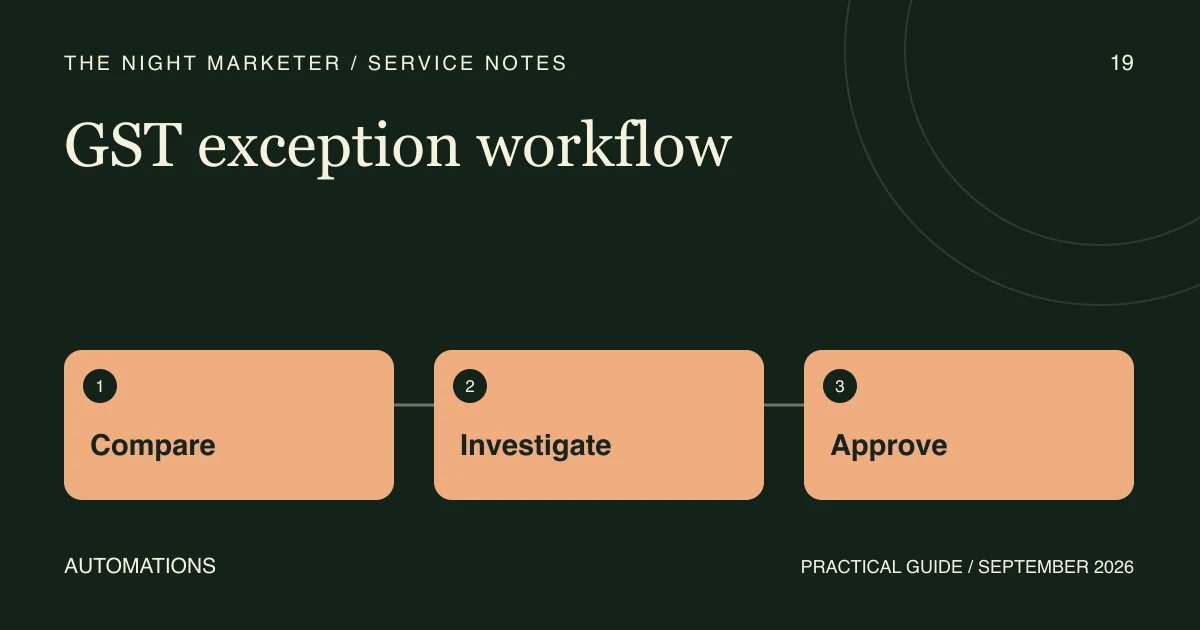
- Escalate duplicate candidates and unexplained differences with the original evidence.
- Check repeat imports, unresolved value and false matches before rollout.
Bank reconciliation connects statement transactions to the books for a specific account and period. Automation can prepare reliable matches and organise the lines that still need review. Start with one bank ledger, a complete statement and an agreed owner for each kind of difference.
Establish the statement and book context
Record the account, period, currency, statement source and closing balance. Preserve the original file and identify repeat or amended imports before matching. Keep the original reference and dates alongside any normalised values. The statement posting date and the date in the books can differ for legitimate reasons.
Check the native workflow in Tally or Zoho Books
TallyPrime’s reconciliation guidance describes statement-based exact, potential and partial match workflows. Check your installed release, bank support and the import source before using automatic reconciliation.
In Zoho Books, matching and categorising bank transactions prepares the banking records. In the separate account reconciliation, set the period and statement closing balance, then check the cleared amount and difference before finishing. Verify which feeds or imports your organisation uses.
Define what qualifies as a match
Start with approved reference, amount, direction, currency and date-window checks. Keep partial payments, combined transactions, bank fees and timing differences identifiable. An external model can suggest a candidate for an ambiguous description and show the source evidence. Route uncertain matches to a reviewer.
Illustrative example. A statement shows one payment of ₹12,450, and the books contain two outgoing payments for that amount near the posting date. Send both candidates to review. A bank reference that can be tied to one book entry may resolve the ambiguity. Keep the line open if the evidence is incomplete.
Give exceptions an owner and a next action
- In the statement only. Check whether the book entry is missing or the statement line needs coding and approval.
- In the books only. Check cut-off dates and valid items still awaiting clearance.
- Several plausible matches. Preserve the candidates and the evidence used to select one.
- Duplicate or amended import. Hold the feed until the approved version and any duplicate lines are understood.
Keep reconciliation and accounting adjustments separate. An authorized correction may need context beyond the statement. Record the decision, owner, exception status and evidence so finance can review the batch again.
Run a pilot before expanding
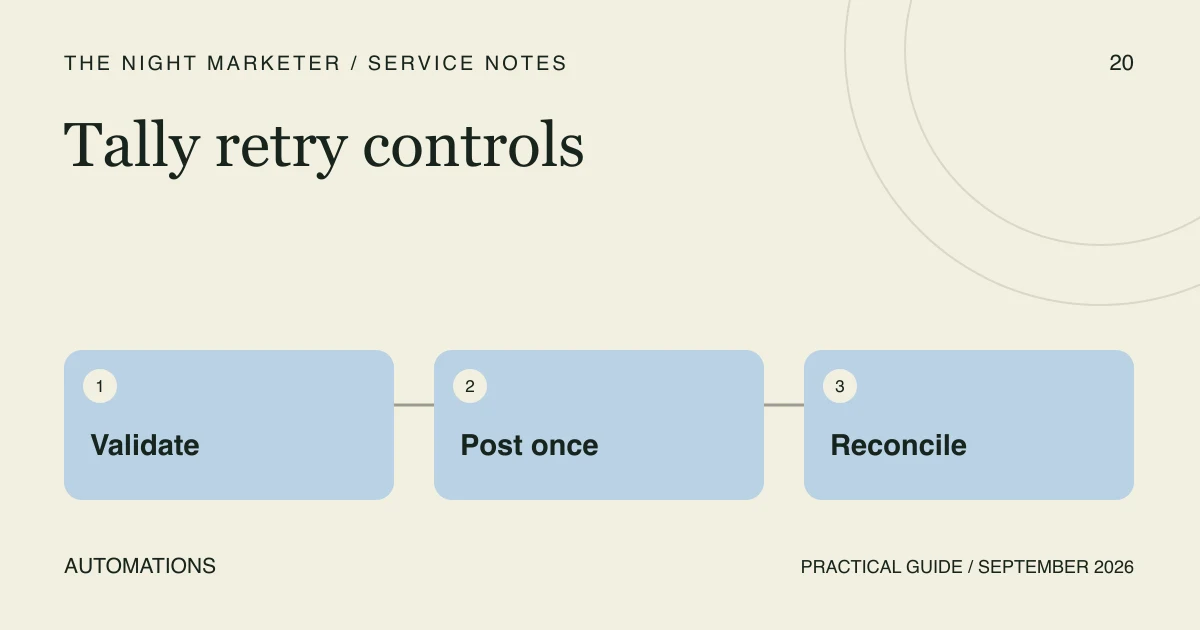
Use a reviewed historical period with known matches and differences. Re-import the same statement and check that the balances and transaction counts stay consistent. Test an interrupted run and compare what was already recorded before retrying. For Tally integrations, see the guide to preventing duplicate vouchers on retries.
At sign-off, compare statement totals, matched values, and the age and value of unresolved items. Track false matches as well as review time. Keep the statement and reconciliation record available to the finance team.
For implementation help, discuss your bank reconciliation workflow with our accounting automation team. Bring the platform and release, the statement source, and a summary of recurring exceptions for the first call.
Frequently asked questions
Start with supported matching, rules and period reconciliation in the accounting platform. Use AI to suggest candidates when ambiguous descriptions are a recurring problem. Keep the source evidence available and route uncertain items to review.
Several transactions can share an amount, and partial payments, fees or timing differences can change the expected figure. Compare direction, reference, currency and a finance-approved date window. Show competing candidates to a reviewer.
Record the source line and likely cause, then assign an owner and a next action. A valid timing difference may remain open. Keep new postings or corrections in the finance team’s approved workflow.