
In short
- Preserve original source records and the rule version behind each comparison.
- Give every discrepancy a category, owner, next action and evidence trail.
- Test repeated imports, revised files and reopened items before expanding the pilot.
- Keep tax treatment and filing sign-off with authorised professionals.
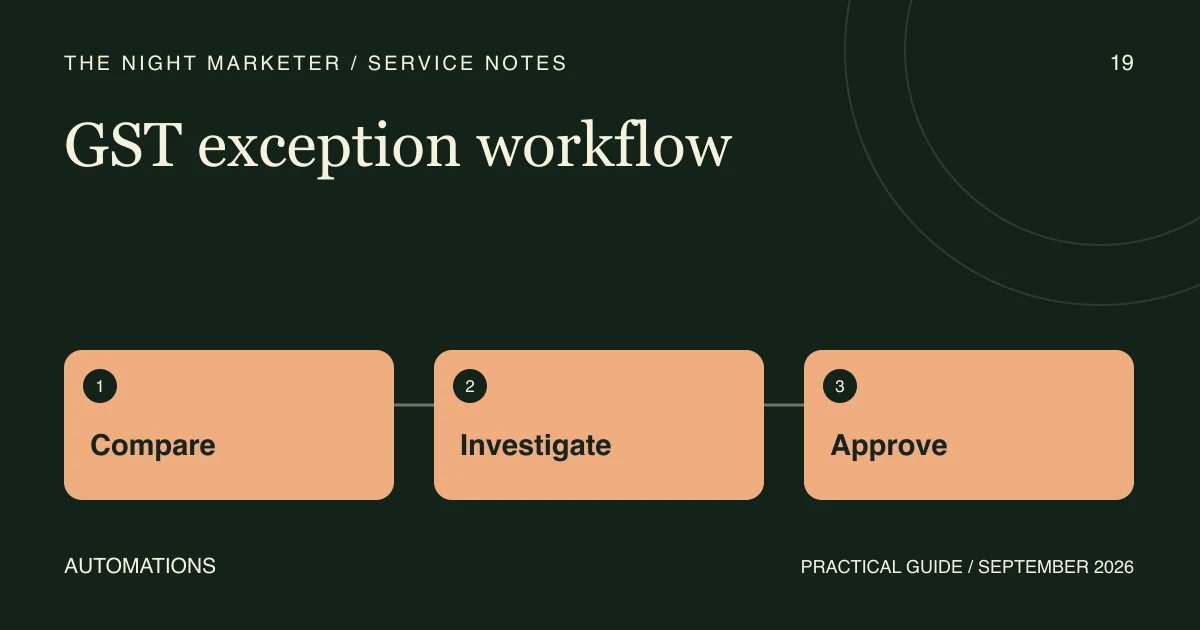
A GST reconciliation exception queue gives the finance team a worklist for comparisons that need investigation. Each item should show the original records, the difference, an owner and the next review action. The matching process prepares evidence; authorised finance professionals decide the tax treatment and filing action.
Define the scope and preserve the source records
Agree which business entities, periods and document types the pilot covers. Record where each export came from and preserve the original file with appropriate access controls. Keep the original document reference alongside any cleaned value used for matching.
The GST portal's GSTR-2B FAQs describe viewing and downloading the statement and reconciling it with business records. This article covers the design of the review workflow. Current tax and filing decisions remain with the authorised professional.
Give each exception enough context to be resolved
Start with the following proposed queue fields and confirm them with the people doing the work. These are implementation choices, rather than a prescribed GST filing format.
| Queue field | Purpose |
|---|---|
| Entity, period and source reference | Let a reviewer find the exact records compared. |
| Document type and original identifier | Keep invoices, amendments and credit notes distinguishable. |
| Observed difference and category | Explain why the comparison needs attention. |
| Owner, status and next action | Show who is investigating and what they need. |
| Rule version and import reference | Make a result reproducible after rules or source files change. |
| Resolution, reviewer and evidence | Preserve the reason for closing or reopening the item. |
Route different discrepancies to different actions
- Missing document: identify which source lacks the record and assign follow-up to the person who can obtain it.
- Amount difference: show the compared components and original values. Do not hide the difference inside a confidence score.
- Duplicate candidate: distinguish a repeated import from two source documents that happen to look similar.
- Period mismatch: display both period references and the document history for investigation.
Have the finance team approve the comparison rules and tolerance policy. An equal amount alone is not enough evidence to determine eligibility or approve a filing decision.
Test the queue before expanding its scope
Use a controlled sample containing known matches and each discrepancy type. Check that every imported record is accounted for, including records rejected during import. Re-import the same sample and confirm that the system does not create duplicate work items.
Change a comparison rule in the test environment and verify that the old rule version and earlier review remain traceable. Check permissions for changing rules, resolving items and approving the final review. Define what should happen when a source file is replaced or a closed item needs to reopen.
Monitor unresolved counts, age, reopenings and reviewer workload alongside the matched count. Choose pilot acceptance criteria before comparing results; do not claim an accuracy or time saving without a measured baseline.
Walk through an illustrative period mismatch
Suppose a purchase record and the portal export contain a similar invoice reference in different periods. The queue shows both originals and assigns an investigation. The reviewer can record the explanation and supporting evidence, or leave the item open while requesting clarification. This is an illustrative workflow, not a client result or a conclusion about tax treatment.
Bring a useful brief to the first call
Prepare the systems involved, representative redacted export layouts, approximate record volumes, recurring discrepancy types, current reviewer roles and sign-off requirements. Explain how files are obtained through authorised access. Credentials are not needed for a scoping conversation.
For store-level context, see our guide to GST considerations for Shopify sellers in India. To scope the queue and integrations, discuss your review process with our GST automation team.
Frequently asked questions
Potentially. First inspect the available export fields, identifiers and approved integration options. The pilot should show that each result can be traced back to the original records and that re-imports are handled predictably. Do not assume every ERP or portal connection provides the same access.
Define the import identity and document identity separately. Test the same file twice, then a corrected file containing an amended document. Agree whether an existing item is updated, reopened or treated as a separate document, and preserve that history. A duplicate-looking amount should not be deleted automatically.
Agree the included entities and periods, sample layouts, discrepancy categories, review owners and acceptance checks. Include traceability, permission handling and unresolved-record reporting in the acceptance criteria. Have the authorised finance reviewer approve the rules and the boundary between matching support and tax decisions.