In short
- Reconcile accepted source events with confirmed CRM outcomes.
- Inspect matching decisions and check uncertain results before retrying.
- Test recovery with isolated sample workflows, not disrupted live sources.
- Track verified recoveries separately from qualified leads and revenue.
A form submission, a successful API response and an assigned CRM record describe different stages of an enquiry. CRM automation mistakes become difficult to diagnose when those stages are treated as the same outcome. Start an audit by proving which event arrived, what the workflow decided and whether the intended record or action exists.
Build an evidence trail before changing rules
Choose a bounded period and one important source, such as your website enquiry form. Compare the source's accepted submissions with destination records and explicit exceptions. Separate rejected validation, spam and test submissions from valid enquiries. A CRM dashboard alone cannot show submissions that never reached it.
Use the following audit record. Keep personal information out of general troubleshooting logs and give access only to the people who need it.
| Evidence | Question it answers |
|---|---|
| Source reference and acceptance time | Did the originating system accept this enquiry? |
| Event reference and attempt history | Was this a new event, a retry or a delayed delivery? |
| Rule version and matching decision | Why did the workflow create, update, merge or exclude a record? |
| Destination reference and resulting state | Does the intended CRM record or next action actually exist? |
| Exception owner and resolution evidence | Who will recover an unresolved outcome and verify the result? |
Separate missing events from matching mistakes
If a valid source reference has no destination or owned exception, trace delivery and validation first. If it has a destination but belongs to the wrong customer, inspect matching rules. Shared phone numbers, general inboxes and returning prospects can expose assumptions that look safe in a small test set.
Do not merge uncertain matches merely to reduce the duplicate count. Record the competing matches and send ambiguous cases for review. Preserve the original source reference so a later correction can be explained.
Check the destination before retrying an uncertain result
A timeout does not prove that the destination rejected an operation. It may have accepted the record before the response was lost. Retrying without checking can create a second contact, task or opportunity.
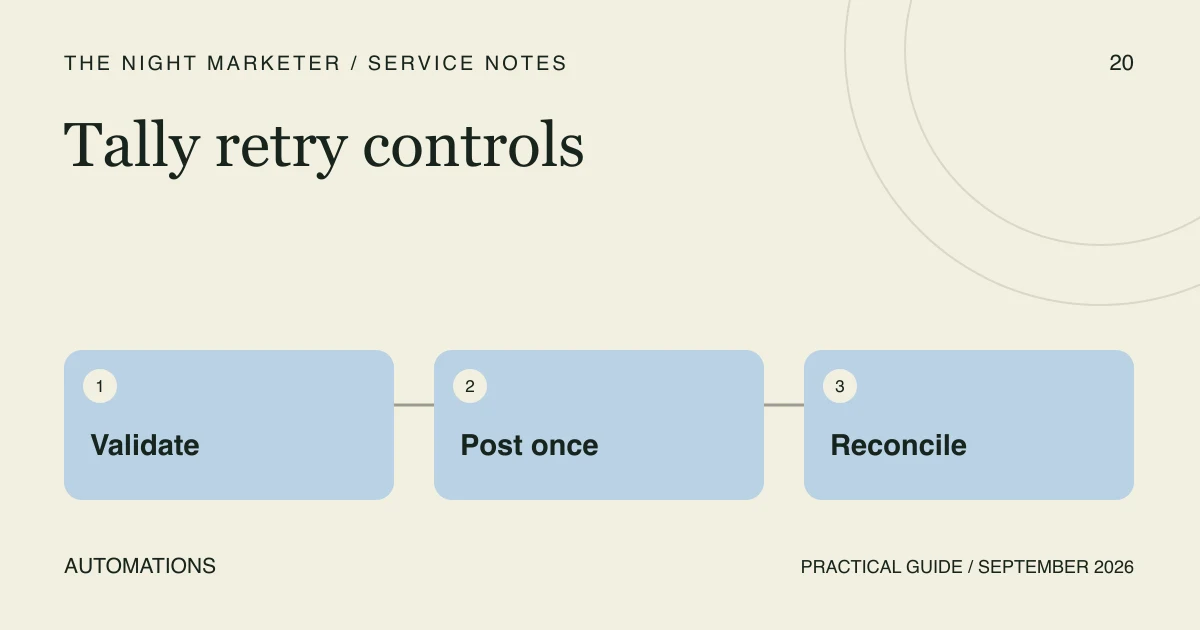
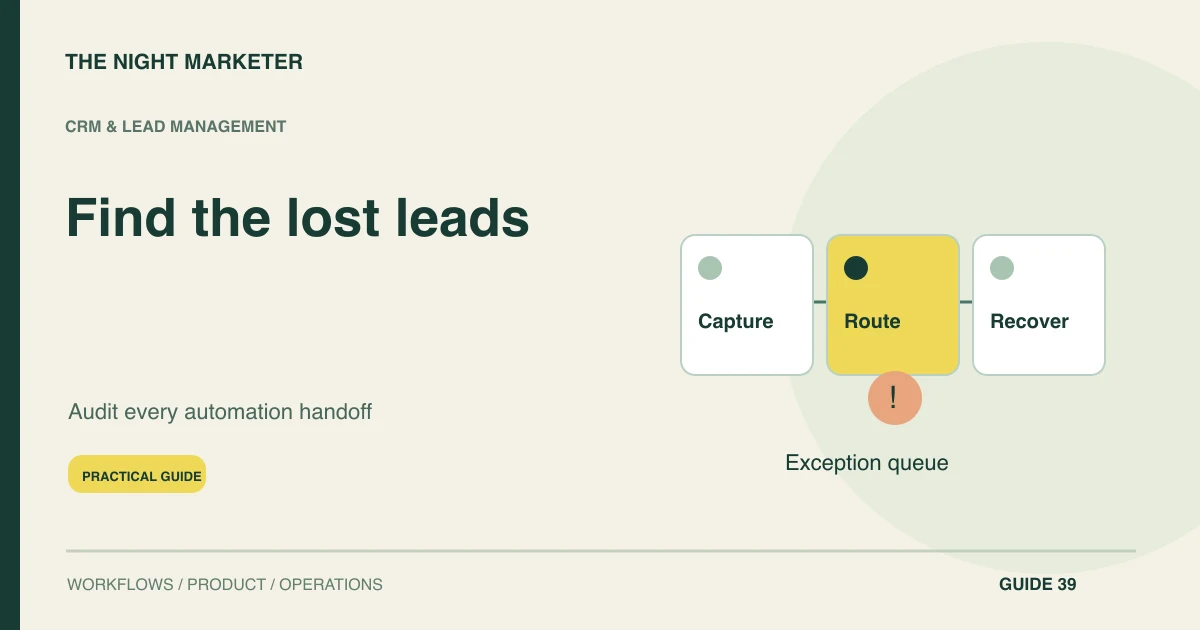
Define a stable event reference and the intended destination outcome. Use the integration's supported duplicate-prevention controls where available, and check the destination after an ambiguous response. Keep unresolved attempts in an exception queue with an owner and age. A successful retry should close the exception only after the resulting state has been verified.
Test delayed events and workflow re-entry
A delayed form event may arrive after a salesperson has already replied. A returning prospect may qualify for a new journey while an old reminder is still queued. Check entry, re-entry and exit conditions separately, then verify whether pending actions still make sense for the current record.
For HubSpot workflows, workflow history and action logs can help trace enrolment and action outcomes. Use the evidence available in your own CRM rather than assuming every platform records the same details.
Run recovery tests in an isolated environment
Use a staging workflow or an isolated test integration with labelled sample records. Do not disable a live lead source to manufacture a failure. Test at least one repeated event, an ambiguous response, a delayed event and an invalid destination field. For each, write down the expected record count, message eligibility and recovery owner before running the test.
After a repair, replay the failed test case and a normal case. Confirm both the destination state and the absence of unintended duplicate actions. Review a small production sample through read-only evidence after release; keep any replay of real enquiries under the team's approved recovery process.
Illustrative example: the response is lost after creation
An enquiry creates a CRM contact, but the integration times out before storing the contact reference. A blind retry creates another contact. A better recovery path searches for the original event reference, confirms the existing contact and records the recovered link. This is an illustrative failure scenario, not a reported client result.
Measure recovery without inventing revenue
Track valid source events without a confirmed outcome, duplicate actions, unresolved exception age and verified recoveries. Record the denominator and audit window. A recovered record is not automatically a qualified lead or a sale; link commercial outcomes only when they are confirmed in the sales process.
Scope a CRM automation audit
Bring your CRM and source tools, a simple event map and a redacted example of one failed journey to the first call. Do not send passwords or a customer database. The Night Marketer's custom CRM development and integration service can help scope reconciliation, matching rules and a recovery workflow around the systems you already use.
Frequently asked questions
Start with one source and a bounded time window. Reconcile accepted source references with destination records and owned exceptions, then trace at least one normal event and one unresolved outcome.
Logs can show that an event was received or an action ran. Verify the destination record and intended next action as well; transport success alone does not prove that the correct customer was updated.
No. Review the current customer state, matching decision and any actions that have already happened. Use an approved recovery process and verify the intended outcome before closing each exception.
Share the names of the tools, an event map and a redacted failure example with source and destination references where safe. Keep credentials and full customer exports out of the initial brief.