In short
- Demonstrate essential requirements with realistic records.
- Compare required editions, implementation and ongoing ownership.
- Test permissions, exports and recovery before choosing.
- Use the smallest approach that passes the pilot.
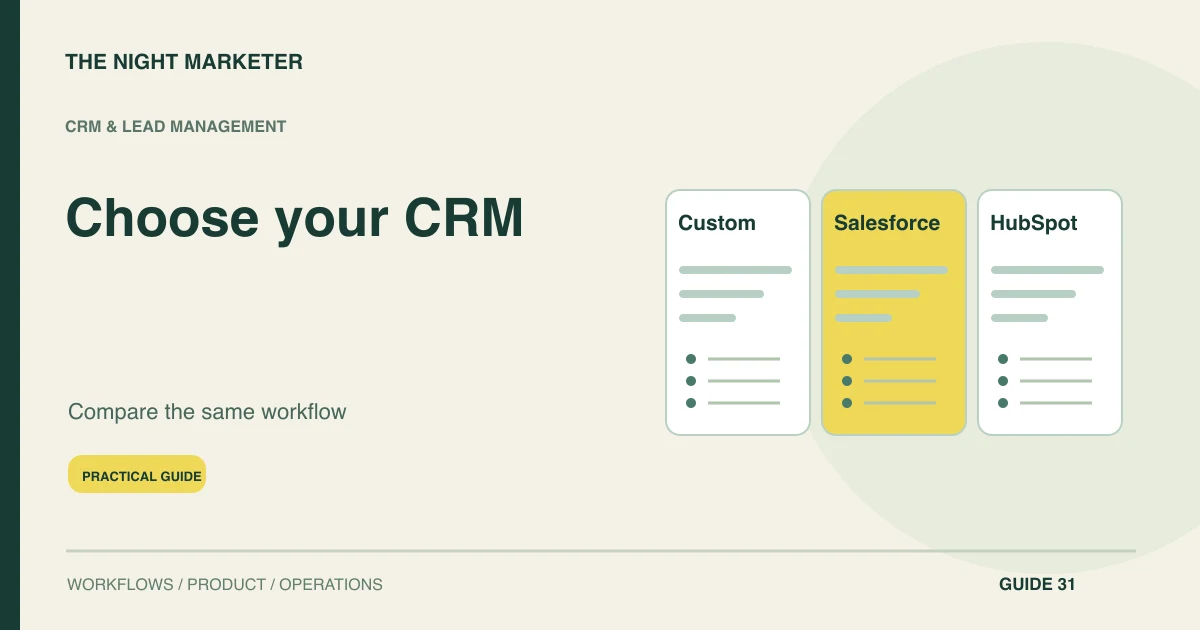
Choose a CRM by testing your sales workflow, required integrations and operating costs against the same requirements. Salesforce, HubSpot and a custom CRM can each be appropriate. The decision depends on what your team must do, what the intended edition supports and who will maintain the system after launch.
When does each choice make sense?
A configured platform is a sensible candidate when its supported records, roles and workflows meet the essential requirements. Salesforce deserves evaluation where the intended edition and implementation can support the required sales operations. HubSpot deserves evaluation where the selected hubs and subscriptions fit the team's connected marketing and sales work. Custom development deserves evaluation where a valuable requirement still cannot be represented reliably.
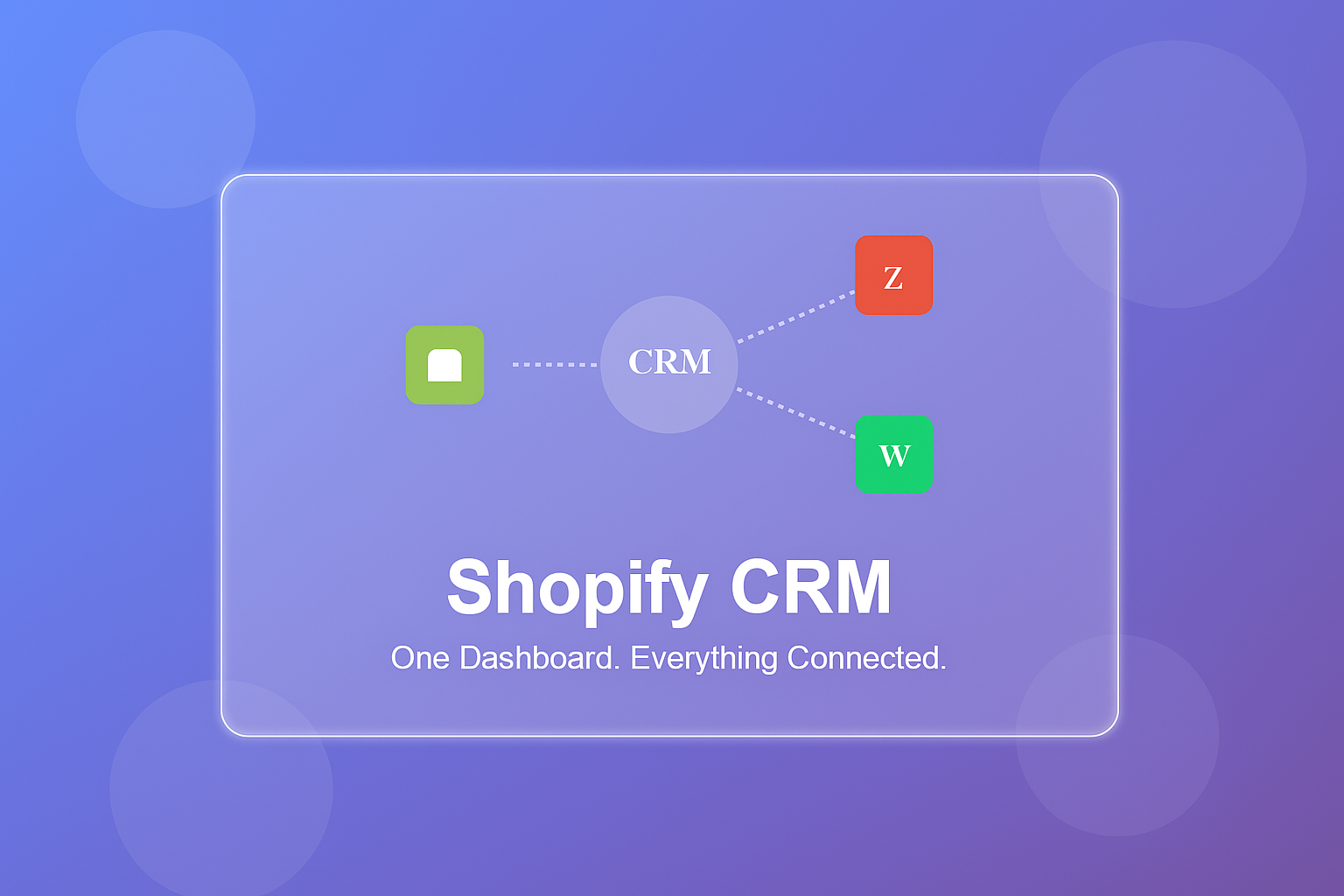
None of these descriptions substitutes for a demonstration. For a practical reference, compare the workflows in TNM's Shopify order-management CRM example with the process you actually need. A narrow integration or extension may resolve the gap without a full migration.
Write down the requirements before a demo
Start with a short requirements sheet covering contacts, accounts, opportunities, ownership, approvals and reporting. Mark each requirement essential, useful or optional. Add the awkward cases: a lead returning after being closed, two contacts at one company and an owner leaving the team.
These reveal more than a standard product demonstration. Ask representatives to show their current work before deciding which fields or screens the new CRM needs.
Test workflow fit in the intended edition
For Salesforce editions, test your required process in the proposed edition and implementation design. For HubSpot subscriptions, check which hubs and subscriptions provide the needed objects, scoring and automation. For custom development, ask to see the same behaviour in a working prototype.
Neither vendor reputation nor code ownership proves that the workflow fits. Record whether each capability works today, needs configuration, requires integration or remains an unverified promise.
Compare the options against the same evidence
| Area | What to test | Acceptance evidence |
|---|---|---|
| Workflow fit | Use the same account, quotation and approval scenario | All essential steps work or have a costed implementation plan |
| Operating cost | Compare the required seats, editions, services and support | The three-year model includes the same responsibilities |
| Data control | Export linked accounts, activities and approval history | Another competent team can interpret the resulting records |
| Change management | Request a new territory rule and a restricted role | The proposal explains testing, release and ongoing ownership |
Use the same sales demonstration
Create a common demonstration script. Capture an enquiry, match an existing account, assign an owner, obtain quotation approval and export the history. Repeat with a restricted user and a failed integration.
Check whether a manager can understand the next action without opening several tools. If one option passes only after extra work, include that work in its proposal rather than scoring it as an included capability.
Compare total cost, including AI entitlements
Compare the total operating cost over a shared period. Include seats, required hubs or editions, onboarding, configuration, data migration, integration, support and future changes. Obtain dated quotes for your region and usage and confirm the edition and currency in the quote.
If the workflow depends on AI, ask what features, usage allowances and additional charges apply to the quoted plan. Estimate usage from the pilot and include who reviews uncertain outputs. Apply the same usage and support assumptions to each proposal.
A custom CRM also needs hosting, monitoring, backups and someone who can resolve failures. Licence savings alone are not a complete business case.
Check integrations, exports and ongoing ownership
Treat integration and exit requirements as acceptance criteria. Identify which system owns account identity, invoices, preferences and product information. Verify permitted API access and actual export formats.
Ask how failed updates are replayed and reconciled. For custom development, confirm repository, deployment and documentation access. For a purchased platform, test whether the export retains the relationships and history your business would need during a future migration.
Choose from pilot evidence
Run a limited pilot with representatives who perform the intended jobs. Measure active time, correction effort, missing next actions and adoption. A configured platform may be enough even when the initial conversation began with custom development.
Conversely, a narrow custom module may solve an essential problem without replacing the CRM. Keep the decision record tied to demonstrated behaviour so a new feature request does not silently change the investment case.
Example: a distributor choosing its CRM
Consider an illustrative B2B distributor requiring territory assignment and manager approval for unusual discounts. All three options must demonstrate those steps with the same records. If one product needs a paid edition and another needs a custom integration, include those costs.
If the custom prototype cannot yet export the approval history, record that gap too. This exercise produces a decision based on evidence rather than assuming the most configurable or cheapest-looking option wins.
Choose the smallest CRM approach that passes the test
Compare the options with the same sales journey, evidence sheet and operating budget. Discuss the CRM requirements with The Night Marketer if an essential workflow still needs configuration, integration or a custom module.
Frequently asked questions
Yes, if the retained tools can support the required interfaces and ownership rules. Treat the connection as a separate integration scope: contact identity, lifecycle updates, communication eligibility and exception handling need defined responsibilities. Confirm the actual subscriptions and APIs before assuming the two systems can exchange every required update.