In short
- Pilot one complete job and measure its waiting and correction time.
- Keep a named system and owner for every shared field.
- Show when a record is stale and when an update is still pending.
- Test permissions, outages and retries before expanding.
A unified business platform should help people finish a job across systems without repeatedly copying information or losing ownership. It does not require replacing every tool or moving every record into one database. Map the work, retain clear systems of record and build the shared interface and orchestration the task actually needs.
Map one job across the existing tools
Follow one real task from beginning to end. Identify who performs it, what information they retrieve and where work waits for another team. Document duplicate entry, conflicting states and manual reconciliation.
A service coordinator checking scope, invoice status and delivery readiness needs an operational journey, not simply a single screen with embedded tools. Distinguish the inconvenience of switching tabs from a more serious gap in data ownership or process.
Decide what to retain, connect or replace
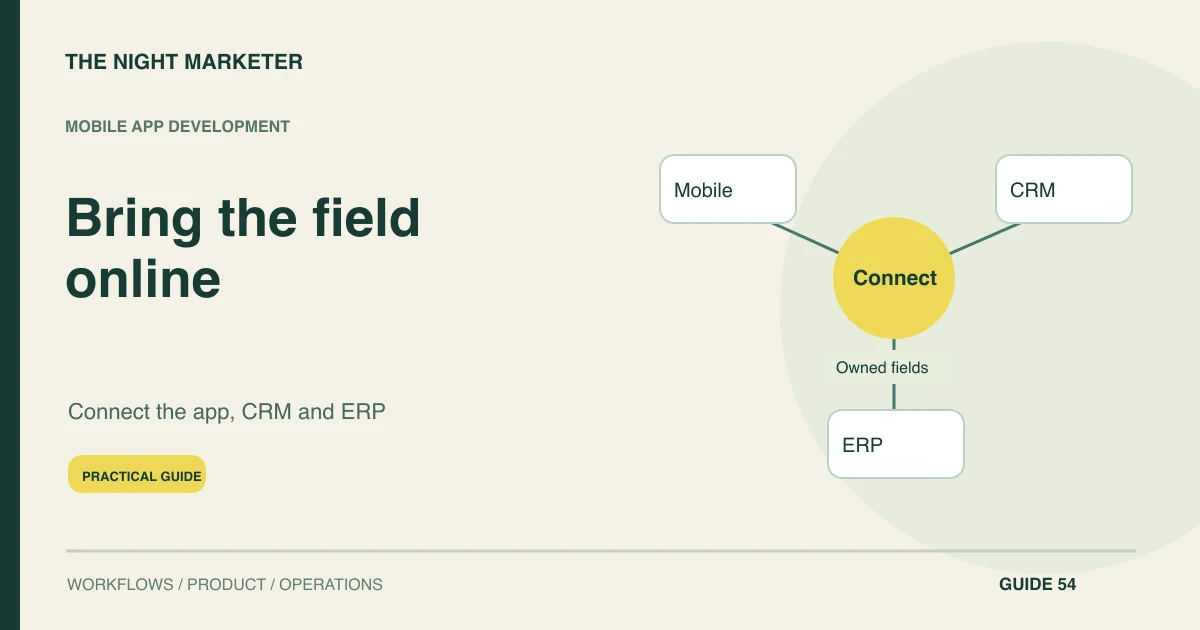
Choose which capabilities to retain, connect or replace. Existing accounting or fulfilment tools may already serve their purpose well. A shared work surface can present authorised information and request actions through their interfaces.
Full replacement should have its own justification. Record the systems that remain authoritative and the cases where the new platform is only displaying a copy, so users understand where a decision or correction really takes effect.
Define record identity and field ownership
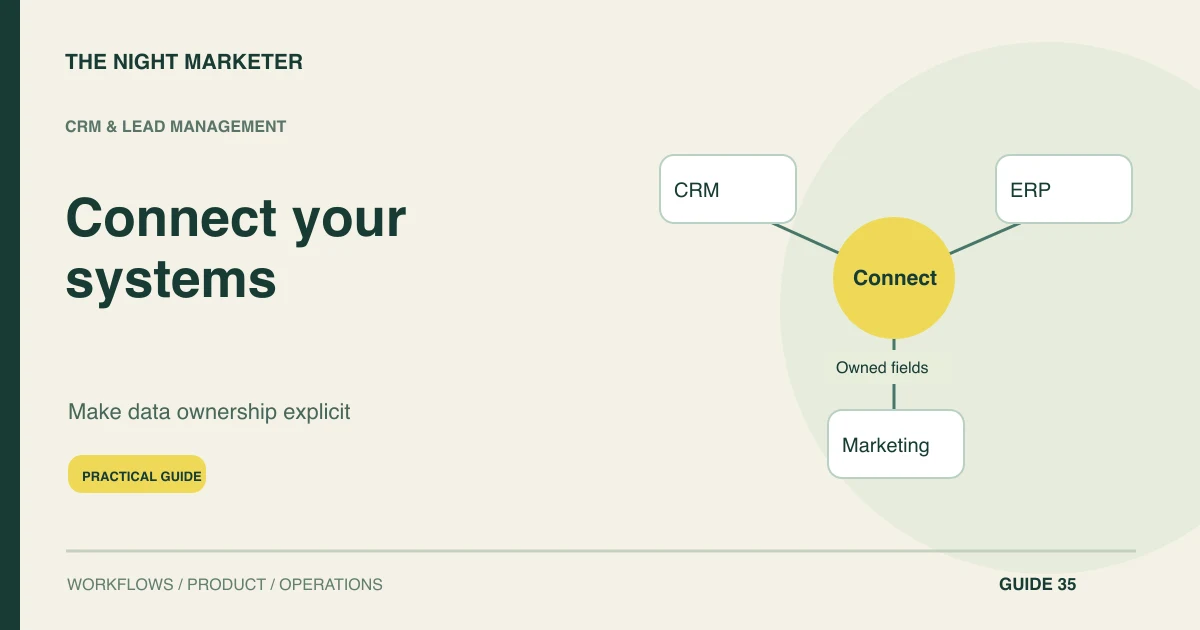
Define identities and field ownership across the platform. Preserve source identifiers and map relationships between customers, orders, invoices and tasks. Avoid giving every system permission to update every field.
An invoice status belongs to a finance process, while a delivery note may belong to operations. Keep provenance visible where a disagreement matters. An integrated interface can conceal conflicts more effectively than separate screens unless the underlying rules are explicit.
Expose authorised operations with honest status
Use HTTP interface contracts and authorised operations for changes. Describe requests, outcomes, errors and duplicate prevention. Validate record access on the server and keep system credentials outside client applications.
For long-running work, show a meaningful pending state rather than claiming completion after a request is accepted. Verify the current supported API version and event coverage for each integration instead of copying an example for a different application generation.
Keep the shared work surface accountable
For every displayed status, show enough context to explain its source and age. For every action, define which system accepts or rejects it and where the final result appears. Users should not have to guess whether a button changed a business record or merely queued an integration request.
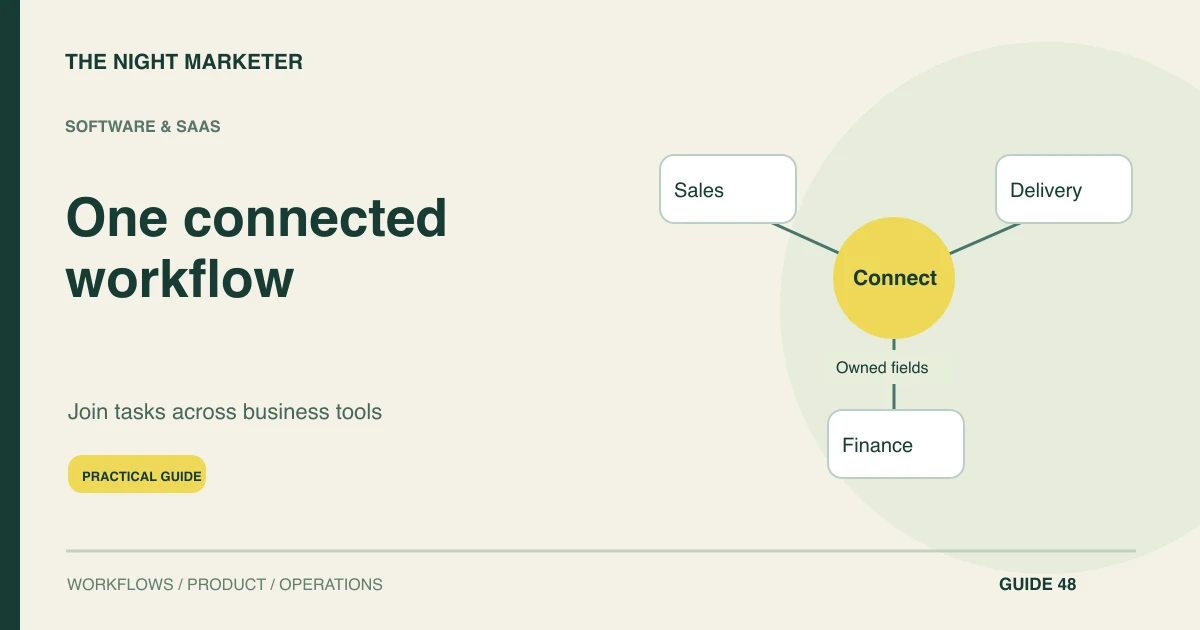
The connected workflow in TNM's Shopify order-management CRM is one example to inspect when planning a shared operational surface. The relevant lesson is to scope the complete job. A single navigation menu or sign-in can reduce friction, but it does not resolve contradictory records or missing responsibility by itself.
Show failures with a recovery route
Make failures part of the operating interface. Users should see whether an update is pending, rejected or needs correction, with an owner for the next step. Support staff need bounded replay and reconciliation tools.
A timeout may occur after the destination has completed an action, so recovery must check for that possibility. Keep an audit trail of requests and results that helps resolve a disputed state without exposing unrelated records.
Pilot a complete cross-team journey
Roll out one complete job to a supported team. Measure task completion, duplicate entry, waiting time and correction effort. Test with restricted users and partial outages.
Expand only when the shared platform removes a demonstrated handoff problem and can be operated reliably. Keep exports, documentation and an exit plan, because unifying tools should not make the business more dependent on an undocumented integration that only one person understands.
Illustrative example: a service coordinator checks project readiness
A service coordinator needs to confirm that scope is signed, an invoice is in the required state and a delivery owner is assigned. A shared view retrieves those facts from their authoritative systems and exposes only permitted actions.
If finance data is stale, the platform says so and routes the check to the responsible person. It does not mark the project ready based on a cached invoice state or ask the coordinator to alter the finance record directly.
Test the project readiness view before rollout
- Fresh and complete: show the scope, invoice and owner with their sources and last update times. Enable the readiness action only for the authorised role.
- Finance unavailable: show when the invoice state was last verified and who can resolve the exception. Keep readiness pending.
- Update timed out: check the destination for the original request before letting an operator retry. If the outcome is still unknown, route it to reconciliation.
Unify the job, its data and its responsibility
Start with one cross-team journey and keep final system outcomes visible. Discuss a unified business platform with TNM using the tools, handoffs and exception cases in your current process.
Frequently asked questions
Pick a task with a clear owner and a frequent handoff, such as confirming that a project can move from sales to delivery. Record its current waiting time and manual corrections so the pilot has a useful baseline.
If one tool already gives people the right place to work and the problem is a missing data update, connect that event first. Build a shared workspace when people need to see and act on several systems during the same task.
Record the authoritative system and identifier for each field, who can edit it, how frequently it updates and what happens when two records disagree. Give each exception an owner.
Test a permitted user, a read-only user and a user outside the account or team. Try direct API access as well as the interface, and verify that both enforce the same record permissions.