In short
- Start with one decision and the person responsible.
- Set a data freshness limit from the action deadline.
- Show the last complete data period and any gaps.
- Test delayed sources and summary fallback before release.
A business dashboard should help someone decide what to do while there is still time to act. Start with the decision, the source that supports it and the maximum age the data can reach before that decision becomes unreliable.
Specify one decision and the numbers that support it
Write a short definition for each metric. Include which records count, the time zone, who owns the calculation and where someone can check the total. For an open-orders count, define the states that count as open and whether cancelled orders, scheduled deliveries and partial shipments are included.
Then name the person who acts. A dispatcher reviewing unassigned orders needs an order list and someone to assign work. A manager reviewing the week’s dispatch performance needs a consistent historical record and may be able to use a scheduled refresh.
Choose a refresh method based on the action window
Decide how long a team can wait before it must act. Use that limit to compare scheduled updates, queries against a live source and streaming. Factor in when the source records arrive and when the dashboard can serve them. Querying a source directly can increase load, while caching can delay what viewers see. Microsoft’s DirectQuery guidance.
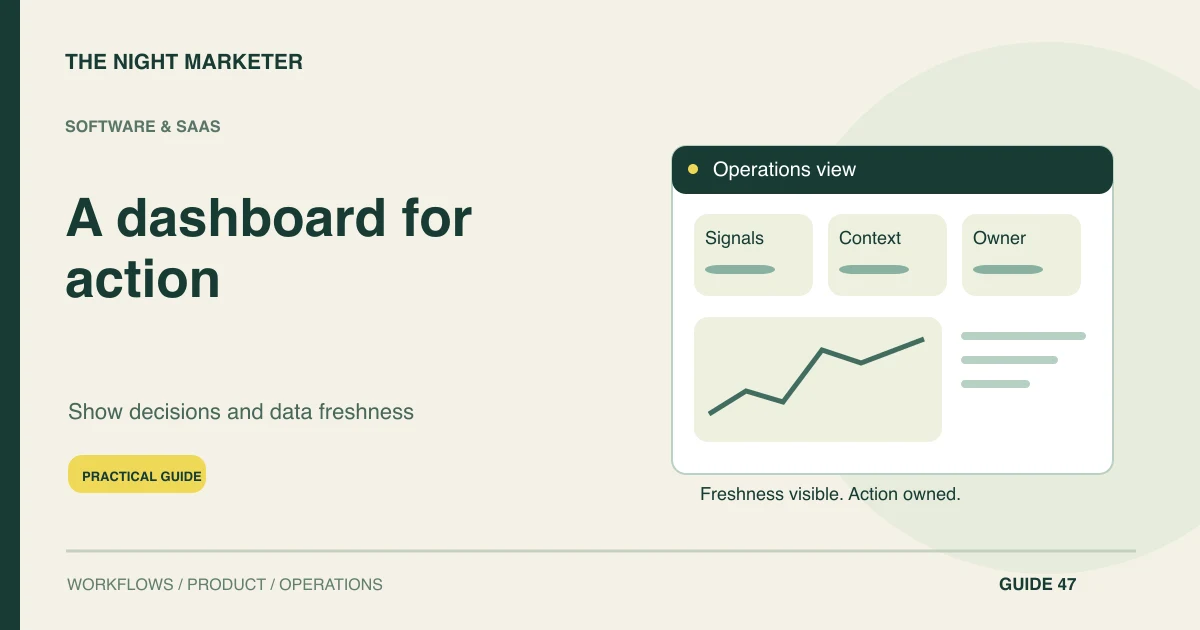
Show the last period the source covers, the last successful refresh and the records or views affected by a delay. Use an explicit incomplete or stale state when the source misses its freshness limit. The dashboard states checklist covers how to design these messages and recovery paths.
Give summaries evidence and a fallback
Keep totals in a defined calculation. If a summary says open orders increased, link to the time window, filters and records behind that change. Label a source delay or missing data. Require the summary to omit causes that the underlying evidence cannot establish. Make sure the user can still see the measures and resolve work if the summary is unavailable.
Test a delayed feed before release
Illustrative dispatch dashboard. The team needs a view covering the last 15 minutes. At 12:10, the most recent complete data covers orders through 11:40. Show that orders since 11:40 are unverified, keep the last complete view available and tell the dispatcher where to check recent orders. Confirm that the alert reaches the named source owner.
- Reconcile the metric with source records for one agreed period.
- Test a late feed, a genuinely quiet period and a correction to a source record.
- Verify that roles can see only their authorised drill-downs and exports.
- Observe whether an operator can find an exception and assign it to the right person.
Bring one decision, a few anonymised source records and the latest point at which the team can act to a custom dashboard discussion.
Frequently asked questions
Start with a decision that occurs often enough to justify the work. Define the metric’s source records, time window, permitted users and the action it should trigger. Include a route to investigate the records behind the number.
Track whether the source has successfully reported coverage for the time window. If coverage is complete and no matching records arrived, zero may be accurate. If coverage is missing, label the affected period and show the last complete view.
Streaming can help when source events arrive regularly and a person or process must respond sooner than an ordinary refresh allows. Measure source delay and response time before deciding how often the dashboard needs to update.
Check the summary against the underlying measures and time windows. Include a late feed and a zero-result case. Verify the dashboard still supports the operational task when the summary falls back or is unavailable.