In short
- Map first access and repeat use separately.
- Test required device features on the target devices.
- Check installation, notification permission and offline states.
- Compare lifecycle cost and who owns releases.
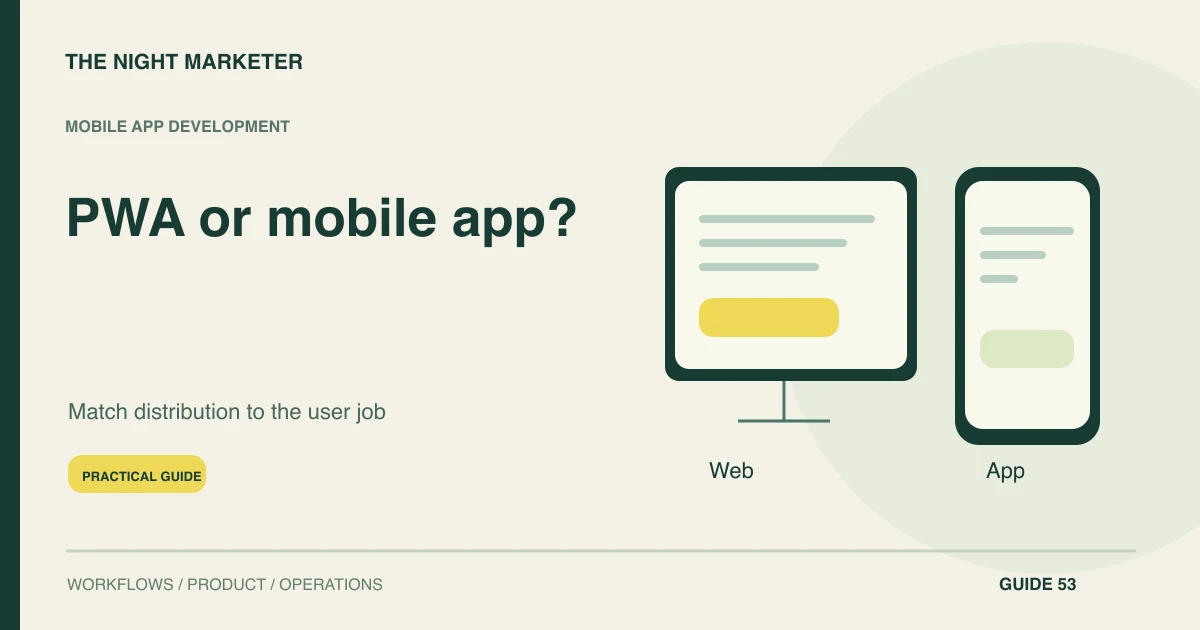
Choose a progressive web app or an installed mobile app by comparing how users discover, return to and complete the intended task. Test required device capabilities and offline behaviour on the target platform. A PWA can reduce some distribution friction, while an installed app may suit a frequent or device-dependent workflow; neither is automatically the better investment.
Compare task frequency and the first visit
Start with task frequency and acquisition. A customer arriving once from a search result has different needs from a technician using a tool throughout the working day. Map the first visit, any installation step and later return journeys.
Decide whether the user must complete the core task before committing to an install. Avoid assuming that app-store presence creates demand or that a responsive website already meets every application requirement.
Which journey favours which approach?
| Area | What to test | Acceptance evidence |
|---|---|---|
| Occasional public task | Open a shared link and complete the journey | The user reaches value without unnecessary distribution friction |
| Frequent operational task | Use the product repeatedly on the target device | Required capabilities and return access work reliably |
| Offline requirement | Create work during an extended outage | Saved and authoritative states remain distinguishable |
| Notification requirement | Test the actual install and permission conditions | The intended audience can use the supported notification path |
Assess discovery, installation and return access
Compare discovery and distribution for the actual audience. Web links can support direct access and sharing, while installed applications have their own distribution and update arrangements. Consider enterprise device management or restricted field devices if relevant.
Test the steps users must take rather than relying on a generic conversion claim. Include support for people who do not install, lose a link or return on another device.
Test the device capabilities you actually need
List required device capabilities and test them in context. Camera use, background work, storage, authentication and external SDKs can have platform-specific constraints. Confirm the current browser and operating-system behaviour for each essential feature.
WebKit documents Web Push for Home Screen web apps from iOS and iPadOS 16.4. Test the Home Screen installation and permission request on the devices you support, including what the user can do if notifications are declined.
Specify offline and pending behaviour
Design offline tasks explicitly for either approach. Identify which data can be cached, which edits can be queued and which decisions need current server information. A saved form does not necessarily mean an order is accepted or stock is reserved.
Show stale and pending states clearly. Test reconnecting after an interruption and changing accounts on a shared device, with appropriate access and local-data handling for the business context.
Compare lifecycle cost and release ownership
Compare lifecycle cost rather than one initial development quote. Include design, integrations, accessibility, device testing, release processes, monitoring and support. A web approach can still require substantial application engineering.
An installed app can share backend services and product specifications, but its device-specific work remains. Establish who maintains compatibility as browsers, operating systems and required services change, and include a recovery route for a problematic release.
Choose a combination only when the jobs differ
A public web experience and an installed staff app can share services while serving different journeys. That is useful when the user needs differ, rather than as a default plan to build everything twice. For the public experience, TNM's mobile website usability guide covers related sources of friction; it does not establish installed-app performance.
For an app-delivery example, see the Raftaar case study. Compare acquisition, repeated use, essential device access and support responsibilities before choosing one or both surfaces. Keep a route for customers who prefer a link and staff whose device or organisation restricts installation.
Pilot the right surface for each audience
Pilot the full journey using representative users and devices. Measure successful task completion, return behaviour, support contacts and the effect of any installation step. Compare like-for-like cohorts where practical.
A mixed strategy can be sensible: a public web journey for acquisition and a focused installed tool for frequent operational work. Document the reason for each surface so the business does not pay to maintain two overlapping experiences without a demonstrated need.
Example: public booking and a technician tool
An illustrative service business has a public booking journey and a technician inspection workflow. Customers need quick access from a link; technicians need repeated authenticated use, local reports and a tested scanner integration.
The business pilots each journey separately. It does not force occasional customers to install an app just because the field team needs one, nor assume a public website can meet the technician's offline and device requirements without additional work.
Invest in the journey your audience needs
Compare the complete task and continuing ownership rather than choosing from a label. Discuss the right mobile product scope with TNM with the discovery, return-use and device requirements in view.
Frequently asked questions
Yes. Prototype the core task on representative phones and compare task completion, repeat access and the required device features. Agree which failed tests would justify an installed app or a second prototype.
WebKit supports push notifications for Home Screen web apps on iOS and iPadOS 16.4 or later when the user grants permission. Test the installation and permission journey on the devices in your audience.
Show the saved draft or queued action and its current status. Confirm completion only after the authoritative service accepts it. Decide who resolves a conflict when the device reconnects.
They can use the same supported APIs, identity and data rules where the two tasks overlap. Scope device-specific access, local storage, release and support separately for each surface.