In short
- Choose a task before choosing where its model runs.
- Test a clean install on representative devices.
- Give users a way to finish without the model.
- Compare accepted outcomes and the cost of getting them.
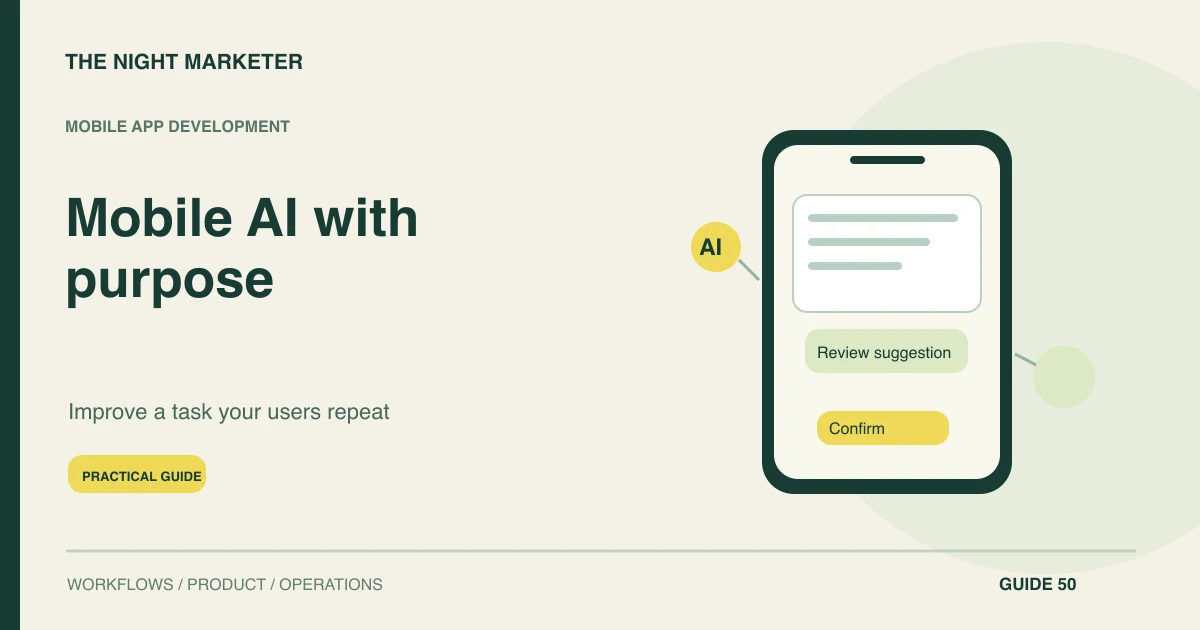
Choose where mobile AI runs for one specific task. Decide which devices must support it, how long a person can wait, what data it needs and how the task continues if the model is unavailable. Use those requirements to test an on-device, server-side or combined approach.
Set the requirements before comparing models
- Write down the input, the acceptable result and who can check it. For equipment capture, compare the confirmed serial number with the number on the device.
- List the operating systems, device classes and languages the task must support. Include devices people use at work.
- Set an acceptable response time and identify which parts of the task need current account or inventory data.
- Decide which inputs can be sent to a service and which should stay on the device.
Test when the model becomes available
On-device processing can let a supported task run without a connection after its model is available. Test installation size, memory, battery use, supported input and the first useful result on representative devices. Google’s Android text recognition kit has a bundled option and a smaller option that downloads the model. Check the first use before and after any download. Google’s ML Kit guide.
A server can help when a task needs current data or when you want to update the model centrally. Measure the time spent uploading, waiting and reviewing the output. If you combine approaches, decide which input can be processed locally and what the server needs to confirm.
Give the user a way to finish the task
Illustrative equipment visit. A technician scans an equipment label using a prepared on-device model and corrects one digit. The current service history still needs a connection. Keep the confirmed serial number in the visit draft and show when the history is unavailable. Allow manual entry when the scan fails or the model is missing. Android’s offline-first guidance.
Set a release decision from the pilot
Test clean installation, slow or absent connectivity, unreadable input and the lowest supported device. Count how often people finish, correct or abandon the task. Track the cost of model use and review time across all attempts. For example, $40 in model costs plus $120 in review work for 800 accepted results equals $0.20 per accepted result, before development and support. Use your own pilot data before expanding.
The offline-first field app guide covers wider sync and recovery considerations. Bring one task, your device list and a failure case to TNM’s mobile app development team.
Frequently asked questions
It depends on the device, operating system and how the feature gets its model. An implementation that downloads its model needs it before inference. Test a clean install and offer manual entry while the model is unavailable.
Consider a server when the task needs current business information or model updates independent of the installed app. Measure network delay and check what can be sent under your data handling rules.
Use representative supported phones to check model availability, response time, memory, battery use and the manual fallback. Test interruptions and poor connectivity as part of the full task.
Measure the cost across all attempts, including support, model charges and the time people spend correcting output. Divide a consistently defined variable cost by accepted task results before comparing options.