In short
- Define identity, tenant membership and role separately.
- Choose an isolation model that supports tenant recovery and support needs.
- Carry the approved tenant scope through jobs, files and exports.
- Verify lifecycle and recovery outcomes before release.
A multi-tenant SaaS product has to keep each customer’s work within the right organisation, including when people belong to more than one workspace. Start with a single workflow and define who owns the records, who can act on them and what should happen after a membership changes.
Define tenants, memberships and roles
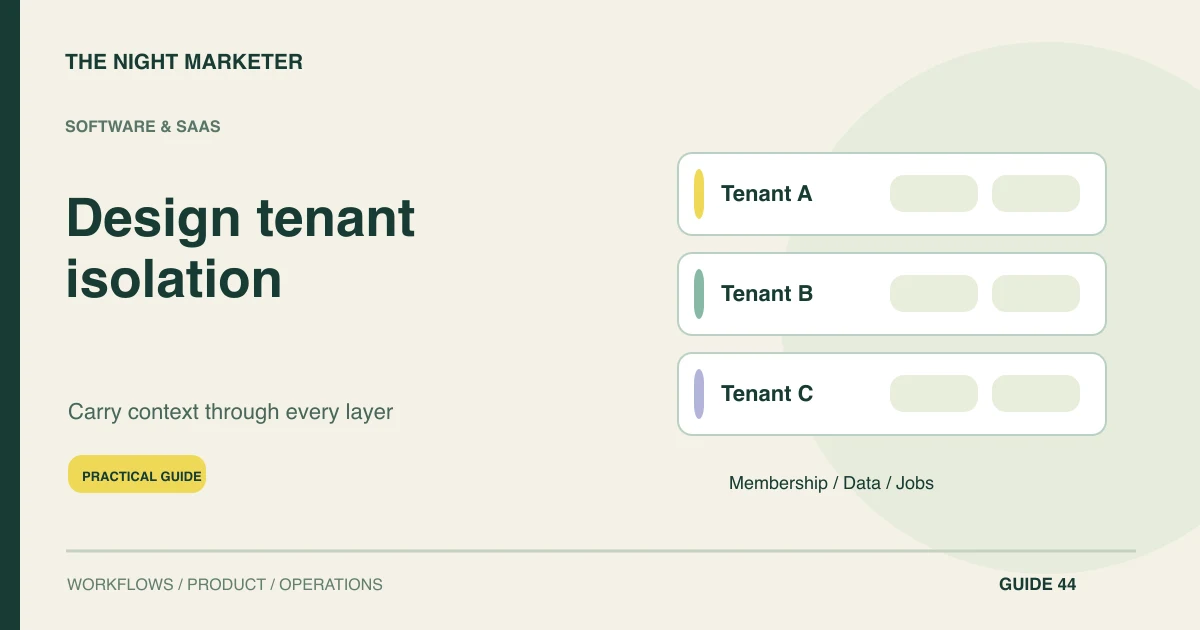
Decide whether the tenant represents an organisation, a workspace or another contractual group. Document how a person joins, selects a workspace and leaves it. Keep the person’s identity, their memberships and their role in each tenant as separate concepts.
Define the support team’s access too. Record who can approve exceptional access, how long it lasts and what activity is logged. Give support staff the information they need to resolve an issue within the appropriate customer scope.
Choose an isolation model your team can operate
Read Microsoft’s multitenant architecture guide and its data and storage design considerations. Compare data isolation, capacity, onboarding, schema upgrades and tenant-level recovery before choosing an approach.
- Shared storage. Define a consistent tenant scope for record access and an approved way to restore one tenant.
- Separate tenant storage with a shared app. Plan provisioning, version updates and the correct routing for each tenant.
- Dedicated deployments. Plan how you will release, monitor and recover multiple environments. Choose this where the account’s requirements justify the operating cost.
Carry the boundary through each data path
Resolve the active workspace from authenticated, permitted membership on the server. Enforce record and action permissions at the data-access boundary. Include background work, cached results, files, search and exports in the same design review.
For a queued job, record the authorised tenant and the relevant actor or service identity. Specify which actions need a fresh permission check before processing or download. Record revocation and cancellation behaviour so it can be tested.
Plan lifecycle, recovery and workloads
Define invitation, role changes, subscription state, suspension, export and deletion for each tenant. Agree which actions the customer and support team can perform during each transition. Decide what happens to scheduled work and pending exports when a workspace is suspended.
Set limits for long-running reports and background jobs so a busy tenant does not degrade other workspaces. Check tenant-level recovery, resource usage and support visibility against your operating requirements before adding infrastructure.
Review these release acceptance checks
Use a controlled test environment with synthetic organisations. Record the expected outcome and reviewer for each supported workflow before release.
| Surface | Evidence to review |
|---|---|
| Records and reports | Each member sees approved records within the active workspace. |
| Jobs and exports | Results are associated with the tenant authorised at request time, with the defined revocation rules applied. |
| Files, caches and search | Delivery and retrieval respect the same tenant and role boundaries as the main app. |
| Recovery | The recovery workflow restores the intended organisation while preserving every other organisation’s records and rights. |
Illustrative example. A member requests a report from Workspace A and then opens Workspace B. The queued report remains associated with Workspace A. Before it becomes available, the product applies the agreed rules for access changes that occurred while the job was pending.
For release sequencing after the initial requirements, see our roadmap from a pilot to a scalable product. If you’re scoping a SaaS build, discuss tenant and delivery requirements with our custom software team. Bring one user workflow, the roles involved and your recovery needs.
Frequently asked questions
A shared login can work when the server resolves the user’s permitted memberships. Use separate URLs where branding or identity requirements call for them, with the same membership and record permissions in either model.
Base the decision on isolation, restoration, storage location, workload and operating needs. Compare how you will provision, update and restore tenant data under each approach before choosing one.
Keep the report associated with the tenant and authorized scope recorded when it was requested. Define how a membership change affects processing and download, then verify that policy in a controlled test environment.