In short
- Define the recurring offer and confirm supported payment and app settings.
- Test customer actions through to the resulting order and fulfilment record.
- Reconcile migration samples, billing dates and responsibility for charging.
- Agree support ownership and measure outcomes after a controlled launch.
Setting up Loop on Shopify should begin with a defined recurring offer and finish with tested customer and operational journeys. The aim is a clear purchase and management experience; configuration alone does not guarantee higher conversion or retention.
1. Confirm the offer and supported setup
Choose eligible products, quantities, billing and delivery cadences. Check fulfilment capacity and the current Shopify subscription requirements, including the intended payment setup.
Review the current Loop plan and permissions before installation or migration. For an existing programme, agree on contract, payment and customer-access continuity before moving live records.
2. Configure purchase options on a controlled theme
Create the intended selling choices in the app and connect the supported storefront component. Confirm price, frequency and selected products. Keep one-time and recurring options understandable where both are offered.
Test long titles, unavailable variants and mixed baskets. Verify recurring disclosures and the actual order or contract result rather than judging only the widget design.
3. Configure customer access and actions
Use Loop's customer-portal guide for the current settings. Define which actions the offer supports and what they do to the next event and later cadence.
Test access on a phone and confirm a customer can reach the appropriate management route. Previewing styling and wording is different from proving a live order change works.
4. Review notifications and cancellation handling
Map app notifications with welcome, post-purchase and promotional flows. Check sender, destination links and offer conditions. Avoid contradictory messages after a customer changes or ends the plan.
Use current Loop cancellation guidance to understand supported reasons and follow-up configuration. Choose treatments based on the customer problem, not a blanket incentive.
5. Run an end-to-end acceptance test
Use authorised test purchases and a controlled process for renewal. Include skip, reschedule, swap where supported, cancellation, changed address, unavailable stock and payment failure.
Inspect customer messages, subscription state, resulting orders and fulfilment. Record expected and actual outcomes. Resolve uncertain results before retrying any operation that could create another charge or order.
Meal subscriptions and build-a-box: define the fulfilment rules
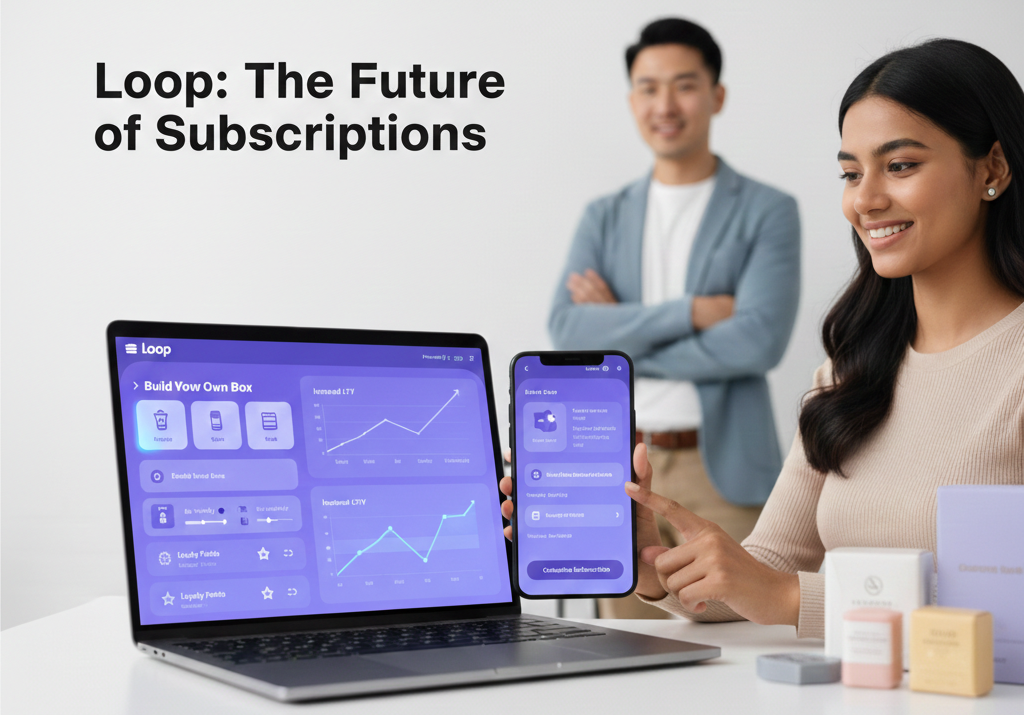
For a meal delivery brand, document the menu-selection deadline, delivery area and treatment of late changes before choosing storefront controls. For a build-a-box offer, specify the minimum and maximum item count, eligible products and what happens when a selected item becomes unavailable. Confirm the required bundle behaviour is supported by the chosen app plan and integration; do not assume every configuration is interchangeable.
As an illustrative acceptance test, consider a weekly six-meal box whose customer swaps two meals before the agreed cut-off. Check that the customer sees the intended next box, that the order contains the correct items and that the fulfilment team receives the same selection. A successful screen animation alone does not establish that the order is ready to dispatch.
Migrating an existing programme: reconcile before handover
Prepare an authorised sample covering active, paused and cancelled subscriptions, different billing dates and customers with multiple plans. Agree with the app migration team how payment references will be handled; a customer export alone does not prove that future billing will work. Do not copy raw card data into a spreadsheet.
For each sample, compare the source and destination product, quantity, price, discount, shipping address, status and next billing date in the store timezone. Check customer access and renewal messages. Assign one owner to confirm which system may charge during cut-over, how exceptions are investigated and when the old workflow can be retired. Retain an agreed reconciliation record and a support handover.
What to bring to a subscription setup call
Bring the store URL, target countries, current app and theme, the products and purchase options you want to offer, and your fulfilment cut-offs. If you already have subscribers, share aggregate volumes, the migration deadline and known billing or portal problems; payment credentials are not needed for a first scoping call. TNM can review these requirements through our Shopify subscription commerce service. After a stable launch, use the subscription retention framework to choose measured improvements.
6. Launch with a defined review
Keep the previous configuration and relevant settings for recovery. After launch, check a controlled live journey and monitor exceptions. A theme rollback may not reverse app or contract settings.
Review purchase selection, completed renewals, support questions and contribution with clear definitions. The Night Marketer's Shopify development services can help scope and test the setup before broader acquisition activity.
Frequently asked questions
The offer itself. Choose eligible products, quantities, billing and delivery cadences, and check your fulfilment capacity and the current Shopify subscription requirements, including the payment setup. Review the current Loop plan and permissions before installing. If you're migrating an existing programme, agree how contracts, payments and customer access will continue before any live records are moved.
Run an end-to-end acceptance test with authorised test purchases and a controlled renewal process. Cover skip, reschedule, swap where supported, cancellation, a changed address, unavailable stock and payment failure. Inspect customer messages, subscription state, resulting orders and fulfilment, and record expected against actual outcomes. Resolve anything uncertain before retrying an action that could create another charge or order.
No. Previewing styling and wording is different from proving that a live order change works. Use Loop's customer-portal guide for the current settings, and define which actions your offer supports and what each one does to the next event and later cadence. Then test access on a phone and confirm a customer can actually reach the right management route.
Often, yes: an existing store can add a supported subscription app and purchase options without a full rebuild. First check the current theme, payment gateway, customer accounts and app integrations. Use a duplicate theme and test checkout, portal access and renewals before making changes live. Custom meal or build-a-box rules may require additional work.