Introduction
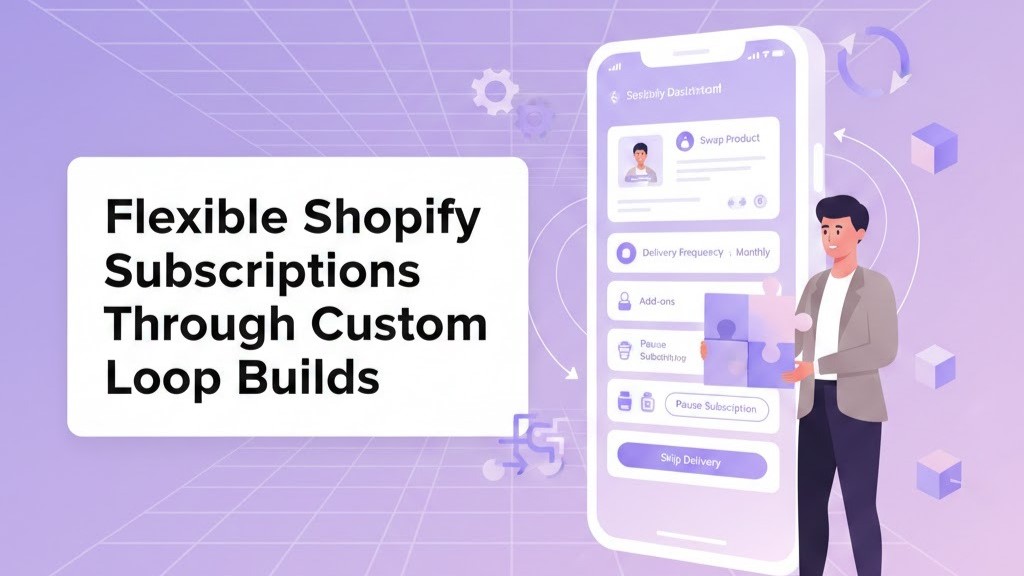
In today’s subscription-driven eCommerce world, recurring revenue is the gold standard for stability and growth. But for many Shopify brands, outdated subscription systems like Recharge or Skio can become bottlenecks—limiting design flexibility, slowing performance, and complicating customer management. Enter Loop Subscriptions—a modern, Shopify-native solution that brings everything under one roof: streamlined management, localised payments, and elegant automation.
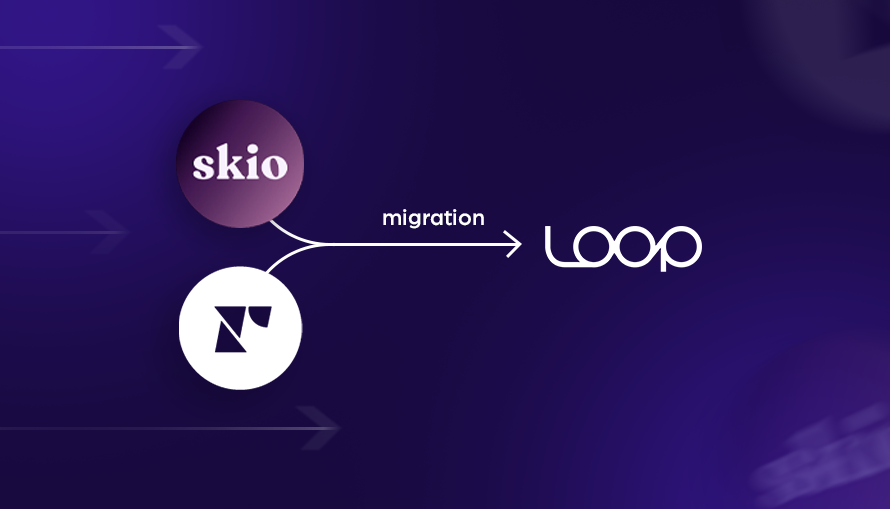
If you’re planning to migrate your existing subscribers to Loop, this guide walks you through the process—step by step—ensuring a smooth, secure, and disruption-free transition.
Why Modern Shopify Brands Are Choosing Loop Subscriptions
Migrating your subscription platform isn’t just a technical move—it’s a strategic upgrade. Here’s why leading Shopify brands are switching to Loop:
1. Native Shopify Checkout Integration
Loop uses Shopify’s own checkout, which means no redirects, fewer cart abandonments, and a consistent brand experience across every touchpoint. Customers can manage subscriptions directly from their account dashboard—as seamlessly as any native Shopify purchase.
2. Complete Brand Control
Unlike older apps, Loop allows deep customisation of the subscription widget, portal, and emails. Every interface can mirror your store’s branding, giving your customers a polished, cohesive experience.
3. Data-Driven Retention Insights
Loop’s analytics go beyond renewals—offering visibility into churn trends, plan performance, and lifetime value. This helps you refine offers, optimise pricing, and strengthen loyalty campaigns.
4. India-Ready Payments
For Shopify stores in India, Loop’s integration with Razorpay Subscriptions enables smooth, automated billing in INR—something most legacy apps can’t provide.
5. Concierge Migration Support
Loop’s team offers direct assistance for data imports, payment token transfers, and setup validation—ensuring a flawless transition without losing active customers.
The Migration Roadmap: From Recharge or Skio to Loop
Migrating subscriptions requires precision—you’re dealing with active payments, billing cycles, and customer trust. Here’s the premium, agency-level approach we recommend at The Night Marketer.
Step 1: Conduct a Subscription Audit
Start with clarity. Identify every element that needs to migrate:
- Active subscribers and renewal cycles
- Product SKUs and variants
- Discounts, bundles, and trial settings
- Paused or cancelled plans
- Payment gateways and token storage methods
This pre-migration audit eliminates surprises later.
Step 2: Export Data from Recharge or Skio
Each platform allows secure data export—typically as a CSV file. Include:
- Customer profiles and payment tokens
- Billing intervals and renewal dates
- Associated products
- Historical orders and applied discounts
This dataset forms the foundation for your import into Loop.
Step 3: Configure Loop Subscriptions
Install Loop Subscriptions from the Shopify App Store. Then:
- Connect to Shopify Checkout
- Configure billing rules, notifications, and tax logic
- Design your on-brand subscription widget (Loop’s drag-and-drop builder makes it effortless)
Pro Insight: Keep your old app active during setup—it ensures continuity until you’re ready to switch fully.
Step 4: Import and Validate Data
This is where expertise matters. Loop’s support or your Shopify agency (like us) can handle:
- Secure import of your subscriber data
- Payment token mapping
- Next billing cycle synchronisation
- Verification of discounts and trial periods
Every imported entry should be reviewed and tested before activation.
Step 5: Communicate the Transition
Your subscribers deserve transparency. A clear, empathetic email can turn a potential friction point into a brand-building moment.
Example message:
We’ve upgraded our subscription experience to serve you better! You’ll now enjoy a smoother checkout and more control over your deliveries. Your plan and billing schedule remain unchanged. This reassurance preserves trust and minimises cancellations.
Step 6: Test Everything
Before going live, run internal test cases:
- Place new subscriptions
- Pause, skip, or resume orders
- Verify renewals and email triggers
- Review analytics accuracy
Your migration is only complete when every process—from checkout to renewal—works exactly as expected.
Step 7: Go Live & Monitor
Once validated, deactivate your old app and let Loop take over. Monitor the first billing cycles carefully:
- Renewal success rate
- Customer portal logins
- Revenue consistency
Loop’s native analytics will help you ensure nothing slips through the cracks.
Avoid These Common Migration Pitfalls
Every migration comes with potential risks—here’s how to stay ahead of them:
|
Challenge |
How to Prevent It |
|
Payment Token Issues |
Use Loop’s assisted migration service to transfer payment details securely. |
|
Mismatched Billing Dates |
Cross-check imported data before activation. |
|
Uninformed Customers |
Communicate proactively to prevent confusion or cancellations. |
|
Custom Discounts Missing |
Validate every offer and coupon before importing. |
When done right, your customers shouldn’t even notice the switch—except for how much better it feels to manage their subscriptions.
The Post-Migration Advantage: Why Loop Wins
Once you’ve migrated to Loop, the difference is immediate:
- Lightning-fast checkout and renewals
- Beautiful, mobile-first customer portals
- Smart automation to reduce churn
- Unified analytics and actionable data
- Effortless integration with Shopify’s native ecosystem
The result? Higher retention, fewer support tickets, and a cleaner tech stack.
Conclusion: Upgrade Without Losing Momentum
Migrating from Recharge or Skio to Loop isn’t just an operational change—it’s a leap toward smarter automation, stronger retention, and a unified Shopify experience. With the right migration strategy and expert support, you can elevate your subscription model without missing a single renewal or customer heartbeat.
Ready to migrate with confidence?
Partner with The Night Marketer—and experience subscription migration done the premium way: secure, strategic, and seamless.