In short
- Document the purpose of each required field.
- Test error recovery without losing entered data.
- Confirm server receipt before showing success.
- Verify that the enquiry reaches its assigned owner.
Visitors open the enquiry form but few complete it. Sales wants more qualification fields, marketing wants fewer fields and development says the form submits correctly. All three can be partly right. Follow the enquiry from the first interaction through to the record your team receives.
Give every field a job
For each field, write the decision it supports before the first sales conversation. If the answer is never used, remove the field or collect it later. Explain sensitive requests such as budget or phone number in plain language and make optional fields clear. Tell visitors what happens after submitting, including whether they should expect a call.
A project enquiry form may initially need contact details, service interest and a short description. A sales team can ask detailed procurement questions after it confirms a fit. The smallest useful set depends on the decisions your team has to make.
Inspect failure and recovery
Try invalid email input, a slow connection, a server error and an oversized attachment if the form accepts files. Check that the form keeps other details where practical. Tie errors to the relevant field and make them understandable without colour alone. Use keyboard focus or a clear summary to help a person find and fix the problem. Test mobile keyboards, zoom and long names.
Follow W3C guidance on form notifications for clear failure and success messages. Show success after the server accepts the submission. If delivery to a separate CRM happens asynchronously, monitor that handoff independently.
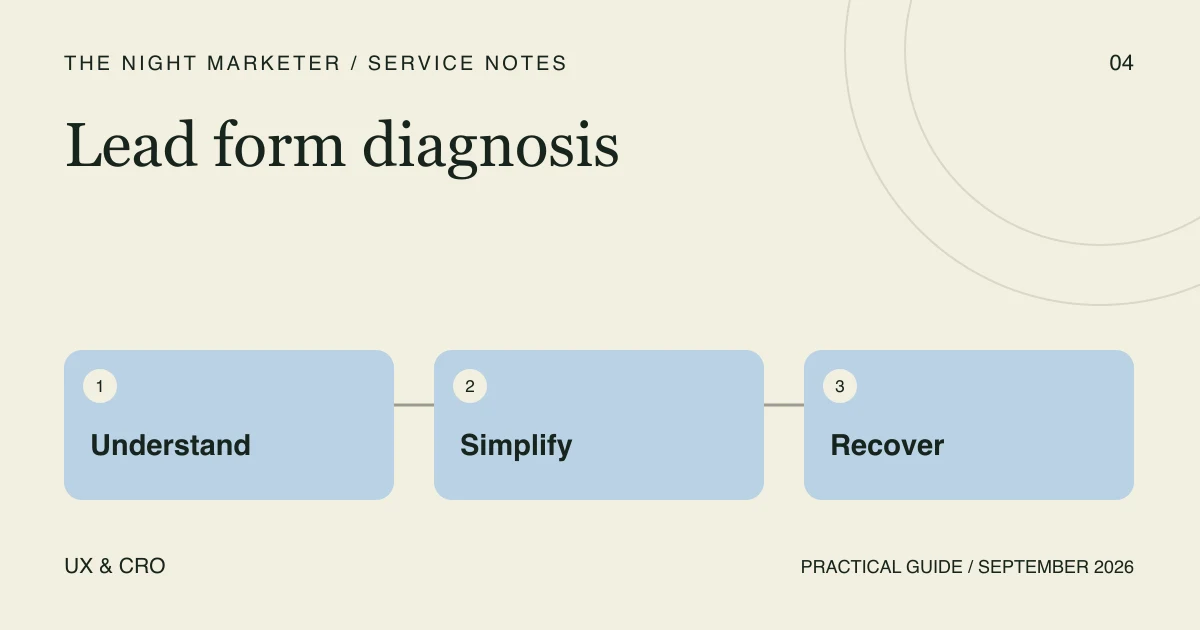
Measure the handoff in three steps
- Form started. Record a deliberate interaction with the form and the page it came from.
- Server received. Record an accepted submission after persistence. Use field identifiers or broad failure codes to diagnose validation problems.
- Enquiry received. Reconcile accepted submissions against the CRM or inbox and confirm that the assigned team can see them.
Include stage and form identifiers in analytics. Keep field values, names, contact details and free-text answers out of the analytics payload. For Google Analytics, follow Google’s guidance on avoiding personally identifiable information, including in page URLs.
Use the evidence to choose the fix
Illustrative example. An enquiry appears in the site’s accepted-submission log but is missing in sales. Check routing, delivery failures and the CRM assignment rule before removing a form field. If the user never got past validation, fix the error message and preserve the answers they already entered. Compare the same page and device group before and after the change.
Check lead quality after confirming delivery. A shorter form may help more people submit while changing the mix of enquiries your team receives. For the step after submission, see how to organise lead intake and ownership.
If your team can show where enquiries are lost but needs help fixing the journey, discuss a form and handoff review with our UX design team.
Frequently asked questions
A required field may be unclear, the form may be difficult to use on a phone, or a validation error may prevent submission. Start with the field purpose and the error path. Explain sensitive questions and tell people what to expect after they submit.
Try common mistakes and a simulated failure in a test environment. Check that visible errors point to the affected fields, can be found using a keyboard and preserve other inputs where practical. Test mobile typing, zoom and long names.
Track a deliberate form start, validation failure categories and confirmed server receipt. Keep personal information and form values out of analytics. Reconcile accepted submissions to the CRM or inbox before judging lead quality.