In short
- Faster, simpler mobile experiences help reduce customer drop-offs.
- Product pages, navigation, and checkout should be designed for easy mobile use.
- Regular device testing and A/B testing are essential for long-term conversion growth.
Mobile shoppers make decisions quickly. When pages feel slow, buttons are difficult to tap, or checkout takes too long, potential customers leave before they properly explore your products.
Introduction
More than half of eCommerce traffic now comes from mobile devices, but mobile conversion rates often remain lower than desktop rates. Shoppers may discover a product through social media, Google, or an advertisement, yet a poor mobile experience can stop them from buying.
Small CRO mistakes directly affect revenue. A slow product page, intrusive pop-up, or confusing form may appear minor, but together they create frustration and increase abandonment.
What Is Mobile CRO?
Mobile Conversion Rate Optimization is the process of improving an online store so more smartphone visitors complete actions such as adding a product to the cart, starting checkout, or making a purchase.
It combines mobile UX, page-speed improvements, clearer content, and customer-behaviour analysis. Effective eCommerce mobile CRO helps generate more sales from existing traffic without increasing advertising spend.
Why Mobile CRO Matters
A better mobile shopping experience can deliver the following:
- Higher conversion rates
- Lower bounce rates
- Reduced cart abandonment
- Greater customer trust
- Easier product discovery
- More revenue from existing traffic
For Shopify brands, mobile optimization can also improve the return from paid campaigns because more landing-page visitors continue towards purchase.
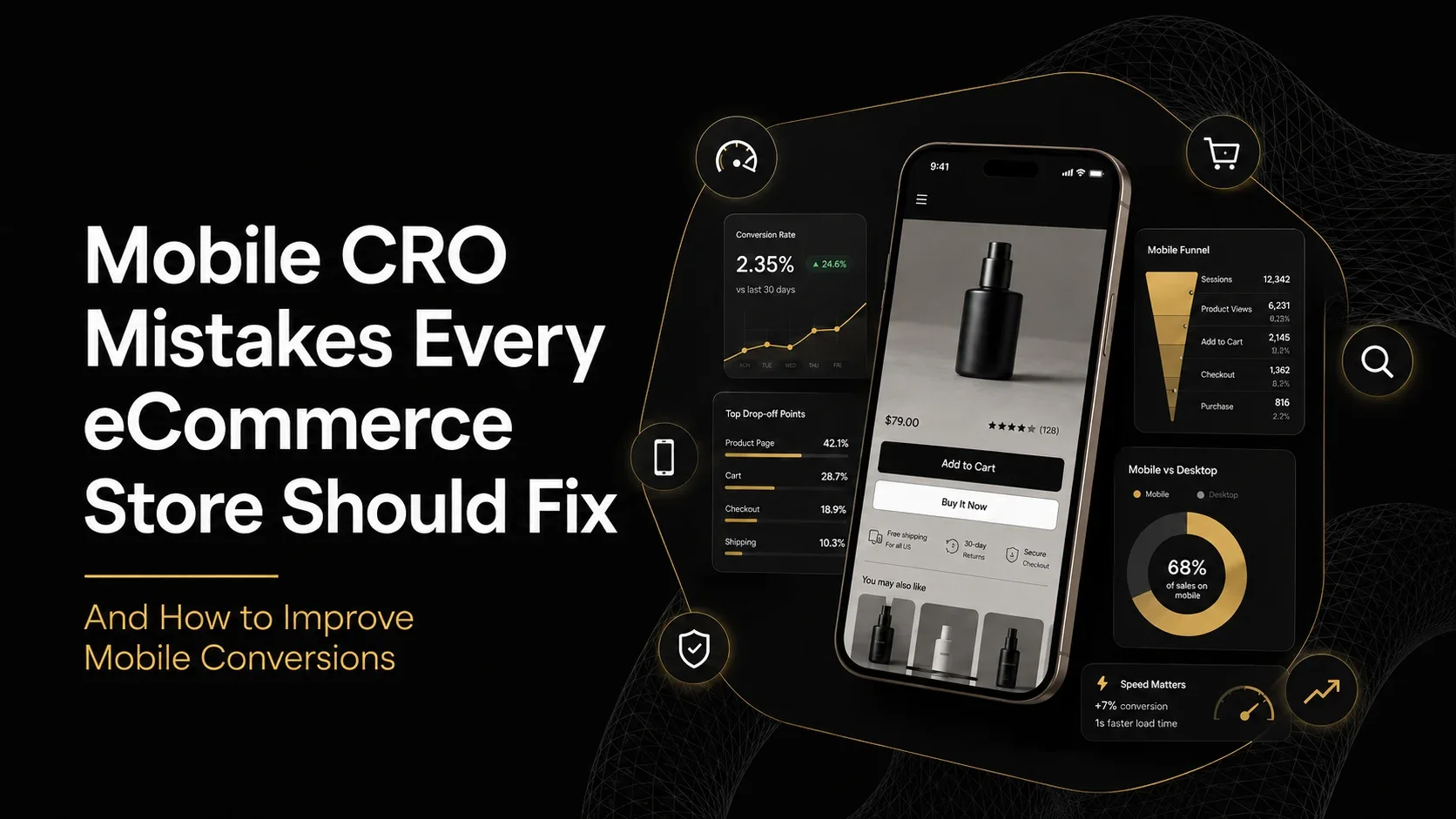
10 Mobile CRO Mistakes Every eCommerce Store Should Fix
1. Slow Page Loading Speed
Problem: Heavy images, videos, apps, and scripts make mobile users wait.
Fix: Compress images, remove unnecessary apps, reduce third-party scripts, and monitor Core Web Vitals.
Impact: Faster pages reduce early exits and help more shoppers reach checkout.
2. Poor Mobile Navigation
Problem: Large menus and unclear categories make products difficult to find.
Fix: Use a short menu, clear labels, visible search, and simple filters.
Impact: Customers browse faster and discover more relevant products.
3. Small Buttons and Tap Targets
Problem: Tiny buttons cause missed or accidental taps.
Fix: Enlarge Add to Cart buttons, selectors, and checkout controls. Leave enough spacing between them.
Impact: Fewer usability errors and a smoother shopping experience.
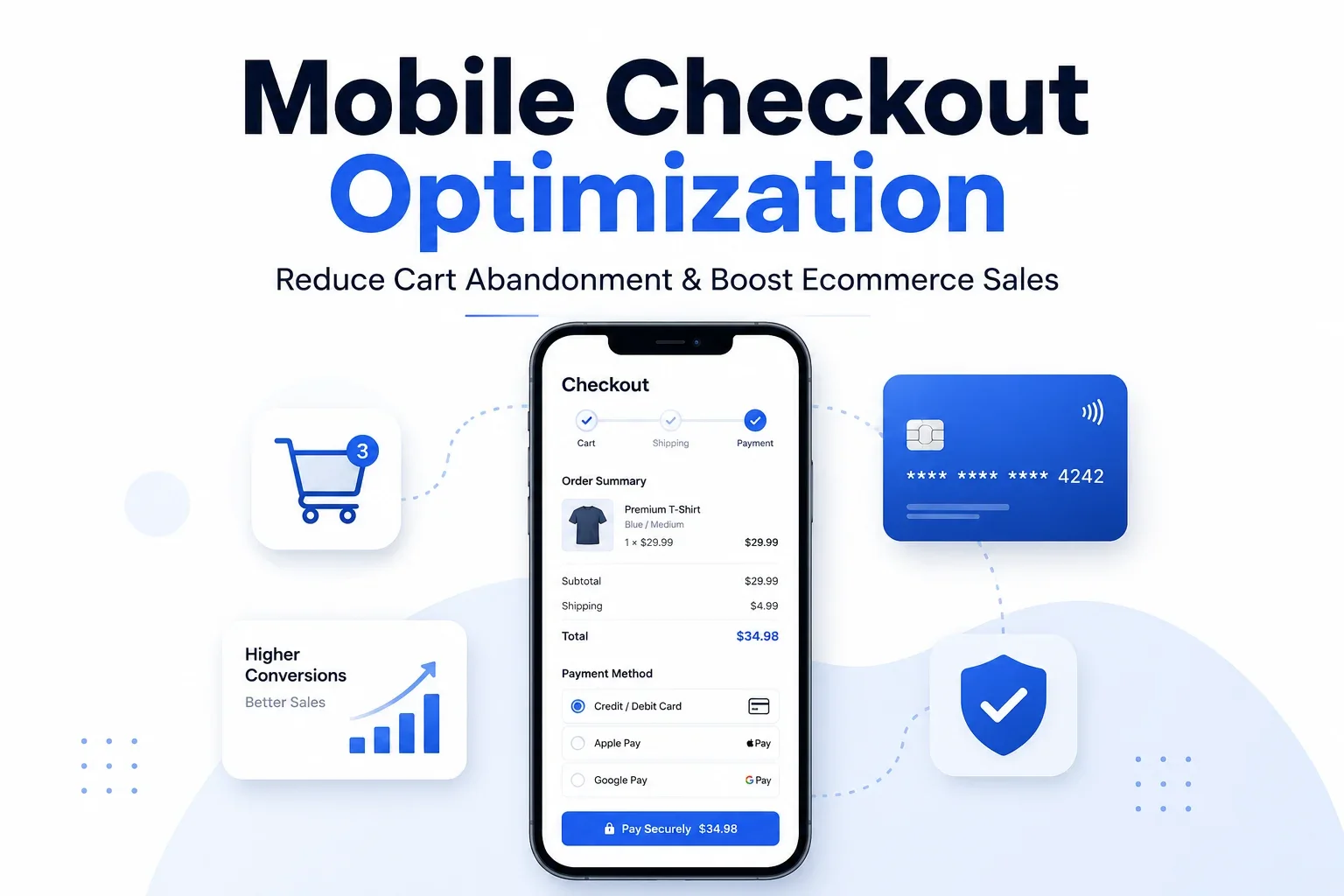
4. Complicated Checkout
Problem: Long forms, forced registration, and unnecessary fields increase abandonment.
Fix: Enable guest checkout, address autocomplete, digital wallets, and request only essential details.
Impact: More customers complete payment instead of leaving midway.
5. Too Many Pop-Ups
Problem: Discount, cookie, chat, and notification pop-ups can cover the entire mobile screen.
Fix: Limit pop-ups, delay their appearance, and provide a clearly visible close button.
Impact: Less frustration and better engagement with the main page content.
6. Low-Quality Product Images
Problem: Unclear images make it difficult to judge product quality, size, or important details.
Fix: Add sharp, zoomable images showing several angles and real-life use while keeping file sizes compressed.
Impact: Greater product confidence and fewer purchase doubts.
7. Weak Product Descriptions
Problem: Generic descriptions leave important buying questions unanswered.
Fix: Explain benefits, materials, size, compatibility, delivery, and usage with short paragraphs and bullet points.
Impact: Better-informed customers and fewer support questions.
8. Missing Trust Signals
Problem: Unclear payment, delivery, and return information makes new visitors hesitate.
Fix: Display reviews, secure-payment messaging, delivery estimates, guarantees, return terms, and contact details near key actions.
Impact: Increased trust and less hesitation before checkout.
9. Poor Search Functionality
Problem: Irrelevant or empty search results block customers who already know what they need.
Fix: Use predictive search, typo tolerance, useful filters, and suggestions for searches with no results.
Impact: Faster product discovery and more high-intent conversions.
10. Limited Device Testing
Problem: A store can work on one phone but break on another screen, browser, or operating system.
Fix: Test key journeys on Android, iOS, different screen sizes, and slower internet connections.
Impact: Fewer hidden bugs and a more consistent mobile shopping experience.
Mobile CRO Best Practices
Improve the complete customer journey rather than focusing on only one page. Optimize page speed, simplify navigation, strengthen product information, enable guest checkout, and use a sticky Add to Cart button where it genuinely helps.
Keep forms short and remove unnecessary distractions. Regularly A/B test meaningful elements such as layouts, CTA wording, checkout steps, and promotional offers.
Test one major change at a time so you can clearly understand what improved the mobile conversion rate.
Tools to Improve Mobile CRO
Google PageSpeed Insights: Reviews mobile and desktop performance using lab and real-world data, including Core Web Vitals.
Hotjar: Uses mobile heatmaps and session recordings to reveal taps, scrolling behaviour, and usability problems.
Microsoft Clarity: Provides session recordings and heatmaps across mobile, desktop, and tablet devices.
Google Analytics 4: Tracks purchases and checkout behaviour when eCommerce events are configured correctly.
Shopify Analytics: Helps merchants review store performance and web-performance data by device type.
Final Thoughts
Mobile CRO is not a one-time redesign. Customer behaviour, devices, themes, and store apps continue to change, so regular testing is essential.
Fix the biggest barriers first, measure the result, and then improve the next weak point. Consistent Shopify mobile optimization can turn more existing visitors into customers and improve returns across every marketing channel.
If your eCommerce store receives mobile traffic but struggles to convert visitors, it may be time to improve the experience. At The Night Marketer, we help brands through CRO audits, UX optimization, Shopify development, and data-led testing.
Simply fill out our contact form, and our experts will help identify conversion barriers and uncover opportunities for more revenue.