In short
- Approve the audience, exclusions, offer and time zones together.
- Record an owner and evidence for each preflight check.
- Separate rendering previews from recipient and send-time behaviour.
- Review verified downstream outcomes alongside clicks and negative signals.
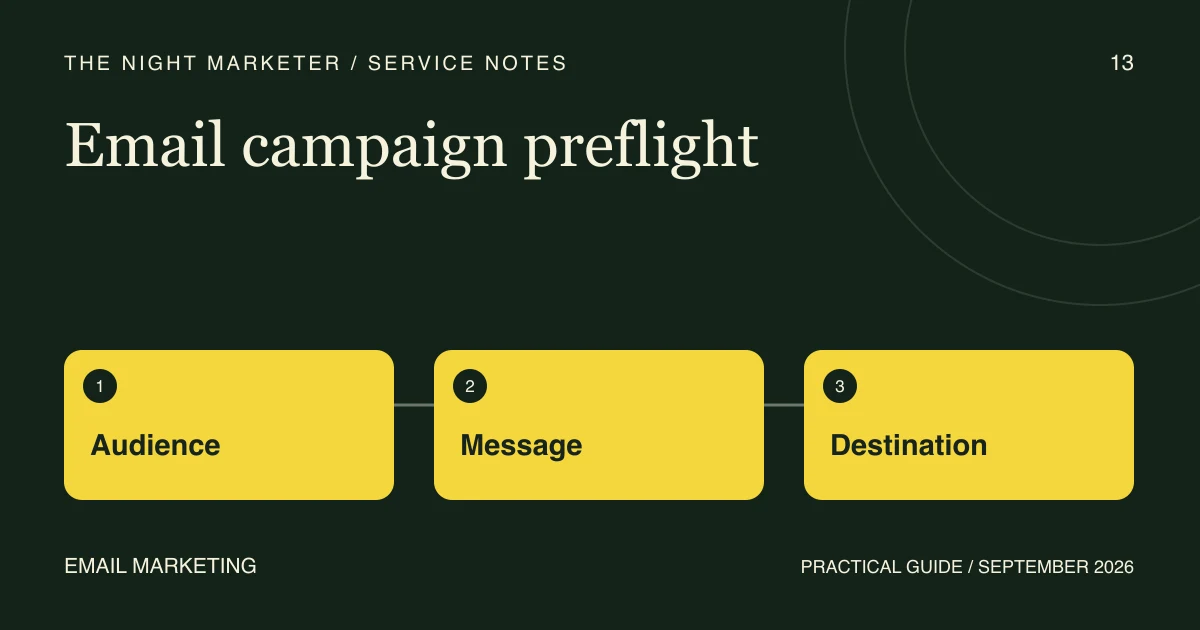
In an illustrative campaign, the email looks polished but its discount fails on mobile and an excluded customer group remains in the audience. Reviewing the subject line would miss both problems. An email campaign preflight checks who can receive the message, what is promised and whether the destination honours that promise.
Freeze the offer and audience brief
Record the products, eligibility rules, exclusions, stock or availability assumptions, start and end times, and the person who can approve changes. Write down the store and sending time zones rather than leaving a date such as “ends Sunday” open to interpretation.
Agree the audience's purpose and the organisation's permission and suppression rules before building the final recipient selection. An address being present in a tool does not by itself establish that it belongs in a promotional campaign.
Use a preflight acceptance sheet
Give each check an owner, evidence and a pass or hold decision. The sheet below is a practical starting point; add conditions specific to the offer and sending platform.
| Check | Evidence to record before approval |
|---|---|
| Audience and exclusions | Reviewed inclusion and suppression rules, with representative eligible and excluded test profiles |
| Offer accuracy | Matching prices, minimum spend, eligible products and expiry wording in the email and store |
| Personalisation | Safe output for missing names, empty recommendations and unavailable items |
| Rendering | Representative inbox and mobile checks, including essential information when images do not load |
| Destination journey | Correct links and tracking parameters, offer eligibility, and the expected mobile path through the store |
| Timing and sign-off | Explicit time zones, recipient settings, final version and an accountable release owner |
Separate previews from send-time behaviour
Preview with representative profiles and test missing data as well as the ideal customer. A rendered preview does not prove that a person will be excluded from the live audience or that every link will behave as it does in a sent campaign.
For example, Klaviyo's preview and test guidance explains that unsubscribe, preference and browser-view links in previews are placeholders. Where send-time behaviour needs testing, its documented approach uses a controlled live campaign to an internal preview list. Have an authorised operator verify the internal-only recipients and exclusion settings before any such test; never use the customer audience as a test list.
Test the offer beyond the first click
Open every campaign destination on a representative mobile device. Check the selected product or variant, offer conditions and cart behaviour using an authorised test environment or test process. Tracking parameters should preserve the intended destination. Stop before making a real purchase unless that action is separately authorised.
For an illustrative free-delivery offer, the minimum spend should be clear where the buyer decides, and the store's eligibility should match the email. A visible “Shop now” button is insufficient evidence that the offer works.
Keep essential terms in readable text. Use meaningful alternatives for informative images, following W3C's guidance on image text alternatives, and test the actual email output. A text alternative alone does not establish that every inbox can use the message.
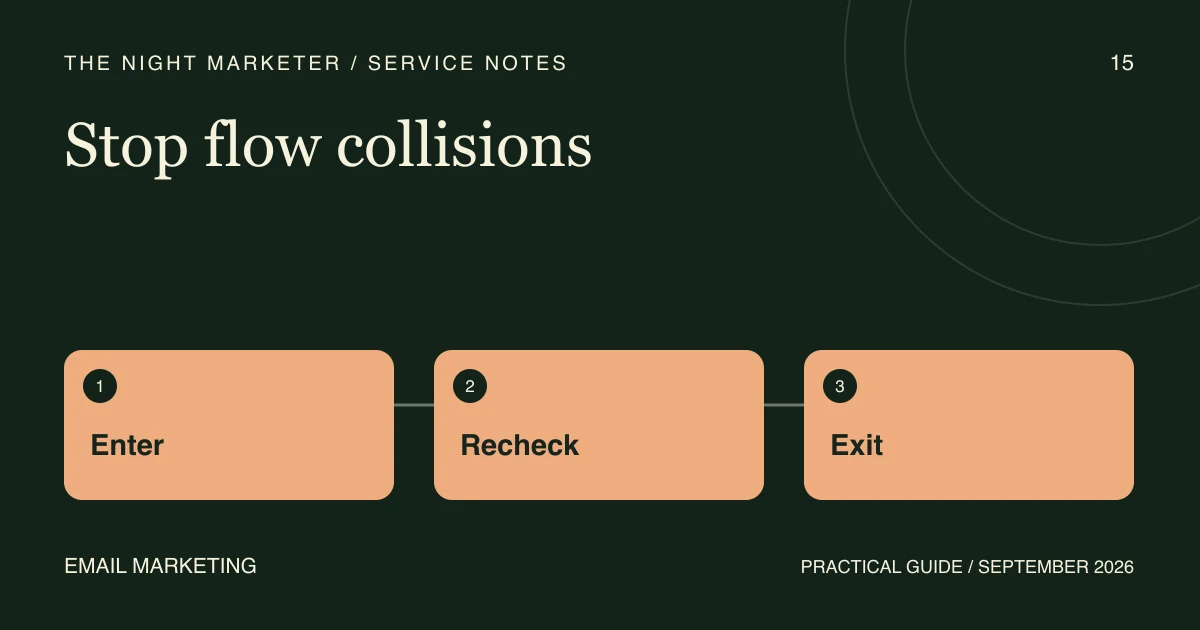
Recheck after edits and before release
A late price change, audience edit or substituted product can invalidate an earlier pass. Record the version that was approved and rerun the affected checks. Confirm the final send time, time zone and recipient selection in the sending tool. Keep unresolved offer or audience mismatches on hold rather than treating an attractive preview as approval.
Measure clicks and business outcomes separately
After release, review delivered messages, click activity, unsubscribes and complaints alongside verified downstream actions. Separate test traffic and automated activity where your tools support it. Use consistent campaign identifiers and an agreed attribution window; a click is not a qualified enquiry, and a reporting dashboard's attributed order is not proof that the campaign caused it.
Bring a useful brief to the first review
Share the store URL, email platform, offer, proposed audience rules, send timing and redacted campaign assets. Do not send credentials or customer exports. The Night Marketer's email marketing services can help scope a repeatable preflight and a measurement plan around the campaigns your team sends.
Frequently asked questions
Use a representative test matrix informed by your audience, then expand it for a new layout or risky component. No small matrix guarantees universal rendering. Keep essential offer information in readable text.
No. A preview is useful for content and rendering but does not verify live recipient eligibility. Klaviyo also documents placeholder preference and unsubscribe links in previews. Any send-time test needs an authorised internal-only process and a separately checked recipient selection.
Rerun affected checks after changes to the audience, offer, products, links, personalisation or send timing. Record the final approved version and keep unresolved mismatches on hold.