In short
- Verify the purchase events before diagnosing the funnel.
- Record which customer decision each issue interrupts.
- Retest reproducible fixes on the devices affected.
- Record counts, denominators and release context.
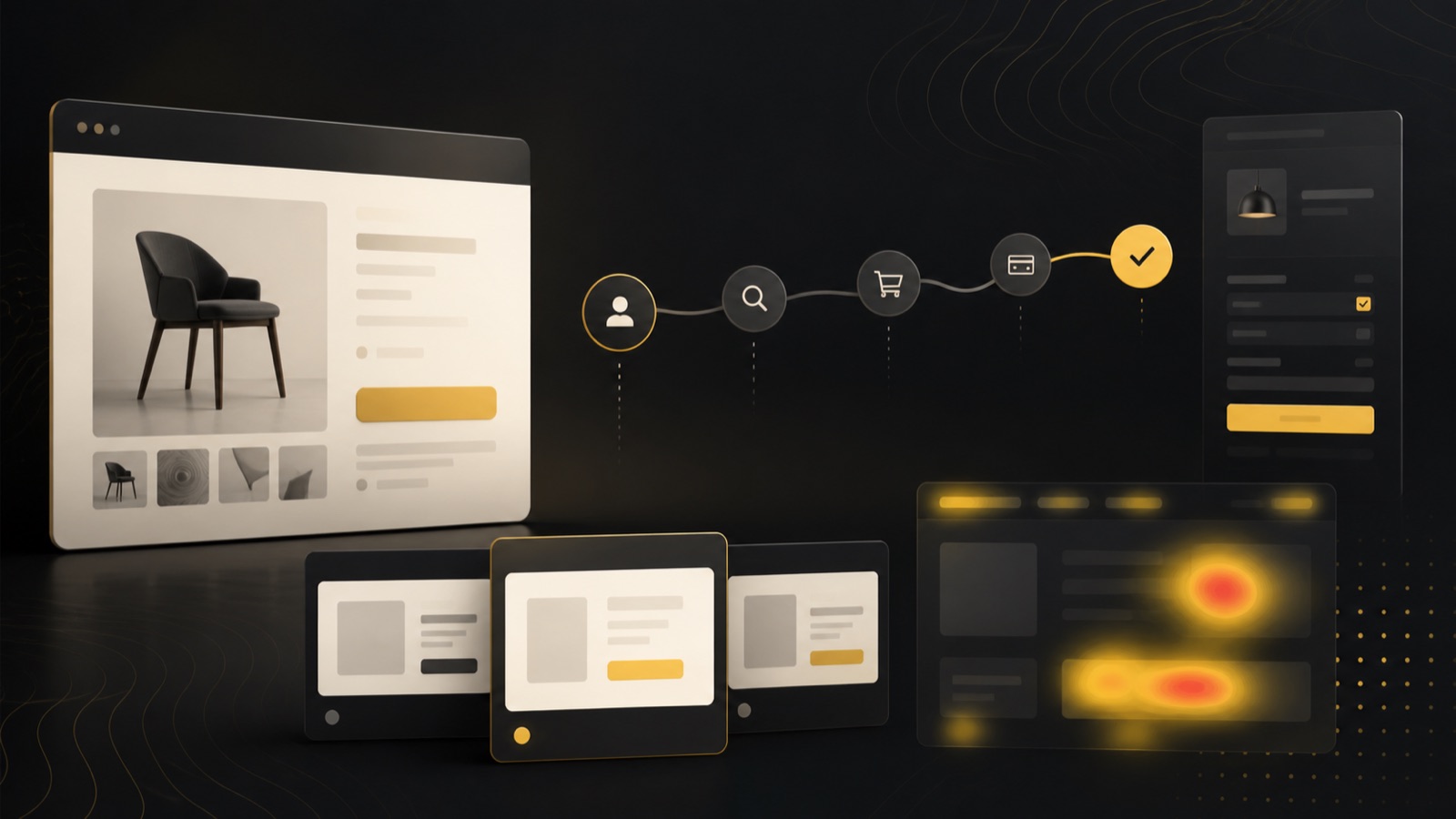
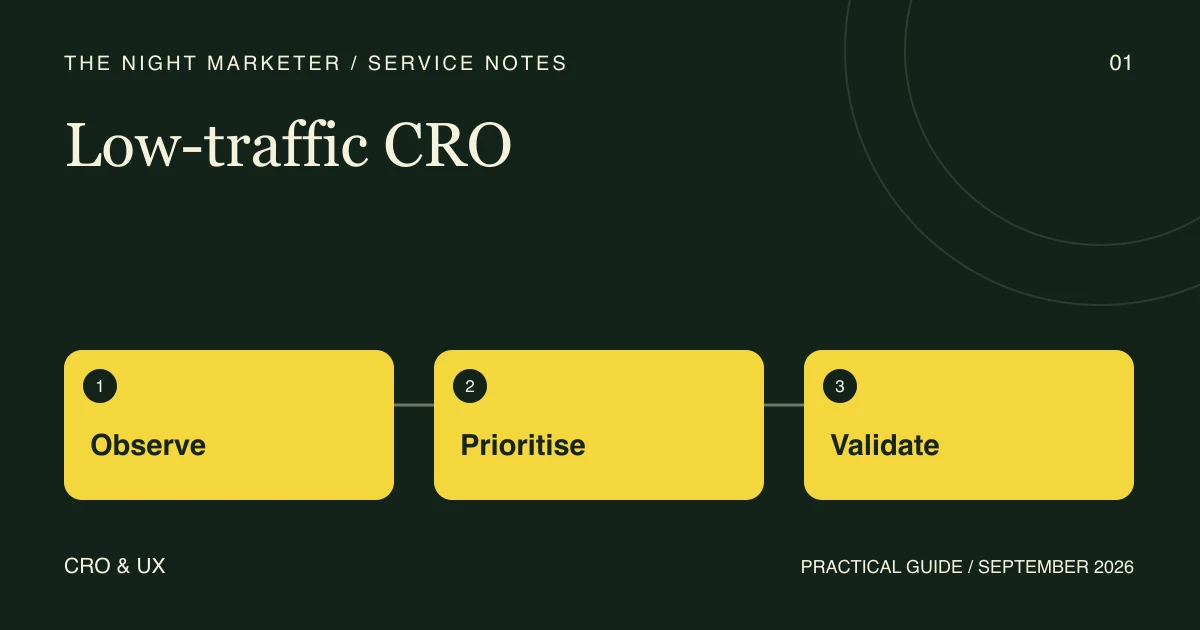
A small online store can improve a broken purchase journey while it builds enough traffic to compare two versions reliably. Start by verifying the data, then record which customer decisions break down and what evidence would justify a change.
Verify the funnel before diagnosing a drop
Pick one journey, such as a new visitor reaching a product page on mobile and completing checkout. Confirm that the steps you report match what the store actually records. Google documents the GA4 events add_to_cart, begin_checkout and purchase. Use its event definitions and validation steps to check each event and its parameters. Google’s ecommerce measurement guide.
Use a test environment with the appropriate test payment setup. Check whether the expected purchase event matches the test order and whether confirmation appears on the devices you support. Keep QA activity out of the baseline you use to judge changes. Shopify’s test order guide.
Record the decision each problem interrupts
Use support questions, searches that return no results and properly consented usability sessions. Ask a shopper to choose a size, understand delivery costs or confirm a return policy. Write down the page, device, task, observed blocker, frequency and severity. A recurring question about fit points to a different fix from a checkout error that can stop a purchase.
Illustrative example. Shoppers at a small apparel store keep asking how a particular cut fits. Try a size chart beside the variant selector and ask representative shoppers to choose a size. Record where they still hesitate. Review fit questions and returns after release while accounting for changes in product mix. This example describes a test plan.
Decide what can be fixed and what needs an experiment
- Reproducible defect. Document the steps and expected result, fix the defect and confirm that the task now works.
- Repeated usability problem. Prototype a clear change and check whether people can complete the task. Track supporting signals such as repeat support questions.
- Uncertain commercial effect. Specify the conversion event, its current rate, the smallest improvement worth acting on and the eligible traffic. Use those inputs to plan the sample and duration before assigning people to test groups.
Compare releases with enough context
Keep both the event counts and denominators. Compare the same devices, channels and product groups where practical. Note changes in promotions, prices, stock and measurement. If you observe a difference after a change, describe it as an observation and name other plausible causes.
Store the evidence with the release date and the next decision. Use the Shopify theme release checklist when checking how a fix behaves across the store. Bring one funnel report, a reproducible issue and the pages involved to a conversion rate optimisation review.
Frequently asked questions
Start with a defect you can reproduce that prevents a purchase or makes a necessary step inaccessible. Log the affected device, the task and the expected result. Verify the fix by repeating the task on the affected devices.
Use your eligible traffic, baseline conversion rate and the smallest change worth acting on to estimate sample size and duration. If the duration is impractical, use task-based research to understand the friction and report post-release measurements as observations.
Track whether people complete the task, whether the same support question recurs and what happens to the relevant purchase step. Record counts and denominators along with major stock, channel and offer changes.