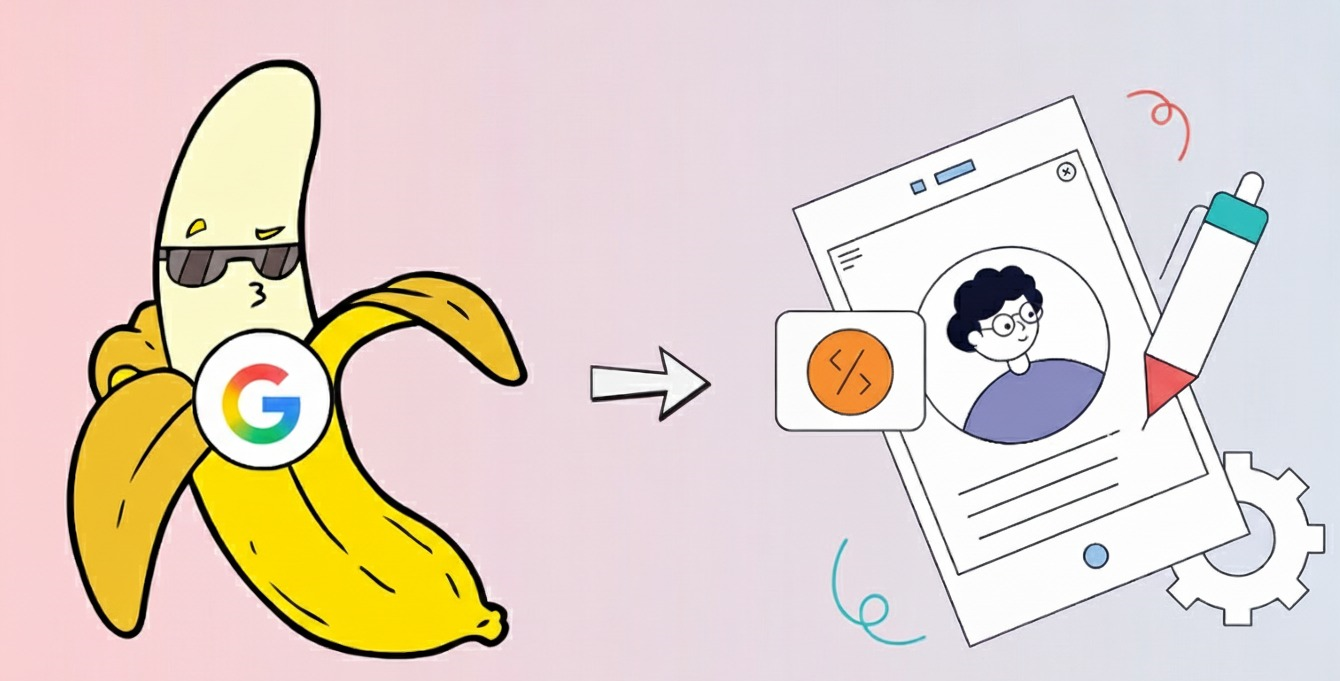
Small tweaks, big impact—why micro-UX is the future of better user experiences.
If you’ve ever launched a website or app and wondered, Why aren’t users doing what we expected? You’re not alone. Brands often pour months into design and still end up with confused users, abandoned flows, and lukewarm engagement. The common reaction is to plan a massive redesign. But what if the real fix isn’t a big overhaul? What if the most powerful improvements come from tiny, laser-focused changes?
That’s exactly what Nano Banana represents—a lightweight approach that focuses on micro-moments inside the user experience. Think of it as the art of improving UX with tiny bananas: small, strategic tweaks that deliver surprisingly large results.
What Is Nano Banana, Really?
In simple terms, Nano Banana is a micro-UX philosophy.
Instead of redesigning entire pages or flows, you zoom in on the tiny areas where users get stuck:
- A confusing button label
- An invisible form error
- A missing loading state
- A dull CTA
- A tooltip that would save someone 10 seconds
These seem small, but together, they shape how a user feels inside your experience. Nano Banana helps teams fix friction fast and boost usability without high costs or endless design cycles. It’s UX… just smaller. And smarter.
Why Micro Tweaks Create Mega Impact
The truth is, users rarely quit an app because the entire design sucks. They quit because of one moment of frustration—one unclear step, one slow button, one unexpected result.
That’s why the Nano Banana approach works so well. Small fixes directly target:
- Clarity → Users instantly understand what to do
- Confidence → Users trust your steps and feel safe
- Speed → Every action feels easier, faster, smoother
When you reduce friction in micro-moments, the entire journey improves.
A Real Example: How Small Fixes Saved an E-commerce Brand
Let’s take a real-world scenario inspired by many small business clients.
A sustainable apparel store—let’s call them GreenThread—noticed a big issue: people added items to their cart but abandoned the checkout before entering payment details. They assumed they needed an expensive checkout redesign.
Instead, we tried Nano Banana. Here’s what we changed:
Micro-copy Upgrade
The button labeled Next became Secure Payment →.
One word changed the tone from vague to trustworthy.
Step Indicator
Added Step 2 of 3 — Payment Details.
Users suddenly understood they were almost done.
Instant Field Validation
Instead of generic red errors, the system gave helpful hints:
- The card number looks incomplete.
- Expiry date must be MM/YY.
Trust Badge Placement
A tiny lock icon + SSL Secured Checkout was placed right next to form fields.
The result?
Cart abandonment dropped by 18% in two weeks. Their new design didn’t come from a full overhaul—it came from micro wins. That’s the essence of Nano Banana: small touches, big outcomes.
How to Use Nano Banana in Your Own UX Process
Here’s a simple, repeatable workflow you can apply to any UX project—whether you’re working on a SaaS dashboard, an online store, or a mobile app.
1. Hunt for Friction
Review analytics, session recordings, heatmaps, or user feedback.
Look for:
- Where users stop clicking
- Where they bounce
- Which fields do they struggle with
- Which CTAs do they ignore
This gives you your banana zones—areas ripe for micro-tweaks.
2. Brainstorm Micro Fixes
Examples include:
- Improving button labels
- Adding a subtle animation for focus
- Using better empty-state messages
- Highlighting form errors in real time
- Adding one helpful tooltip
- Making CTAs more specific
Small changes only. No major redesigns.
3. Prioritize Simplicity
Pick the adjustments that are:
- Fastest to test
- Lowest development effort
- Highest potential impact
Nano Banana works best when you move quickly.
4. Test on a Small Audience
Run an A/B test or manual user test.
Ask questions like:
- Was this step clear?
- Did you feel stuck anywhere?
- Would you complete this task again?
Focus on emotional friction—not just clicks.
5. Iterate & Repeat
The beauty of Nano Banana is that it's continuous. Each week, find 2–3 micro improvements and ship them. Small momentum stacks into big wins over time.
When Nano Banana Works Best
This approach is perfect for:
Early-stage startups, Businesses with limited design budgets, Teams working in short sprints, Websites with scattered friction points, and Brands wanting fast, measurable UX improvements. It’s agile, lightweight, and budget-friendly.
When to Avoid the Nano Banana Approach
Nano Banana isn’t a replacement for full redesigns.
Avoid it when:
Your information architecture is broken. Your product flow is fundamentally confusing. Your brand identity is outdated. Your user journey has major structural flaws. In those cases, Nano Banana helps only after the big foundation is fixed.
Real-World Micro-UX Inspiration
Many global apps use Nano Banana thinking without calling it that:
- Airbnb subtly shows this area is popular, nudges to help you decide faster
- Notion highlights every new block you add, so the interface feels alive.
- Instagram uses gentle heart animations that create emotional feedback
- Google adds autofill chips that reduce friction in milliseconds
These tiny details build habit, trust, and delight.
Why Nano Banana Fits Modern UX
Today’s users expect:
- clarity
- transparency
- speed
- confidence
They won’t tolerate confusion. They won’t forgive slow feedback. They won’t figure it out. Nano Banana helps teams move fast, fix small issues instantly, and create smoother digital experiences without hiring huge design teams or waiting months for a redesign.I t’s the perfect blend of practicality and impact.
Final Thoughts
Improving UX doesn’t always require a fresh interface, a new layout, or months of design debt. Sometimes, the most meaningful improvement comes from a tiny button label, a clear message, or a simple guiding animation.
Nano Banana reminds us that UX is built on details. Not the grand gestures—but the little micro-moments that make users feel guided, comfortable, and confident.If you want faster results, happier users, and fewer redesign headachesStartrt small.